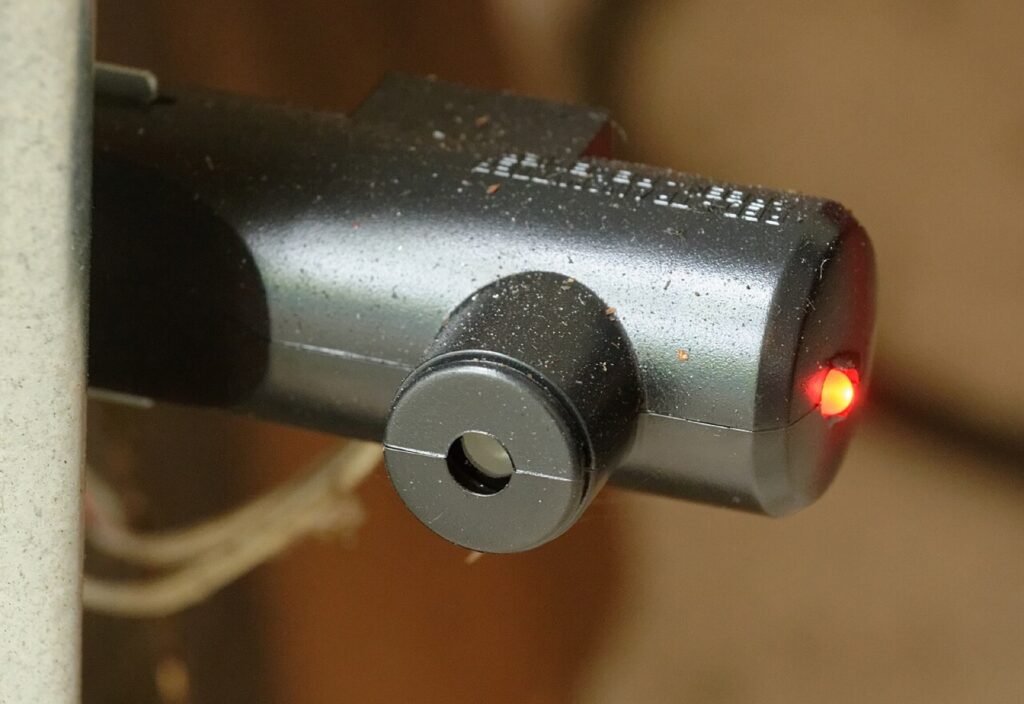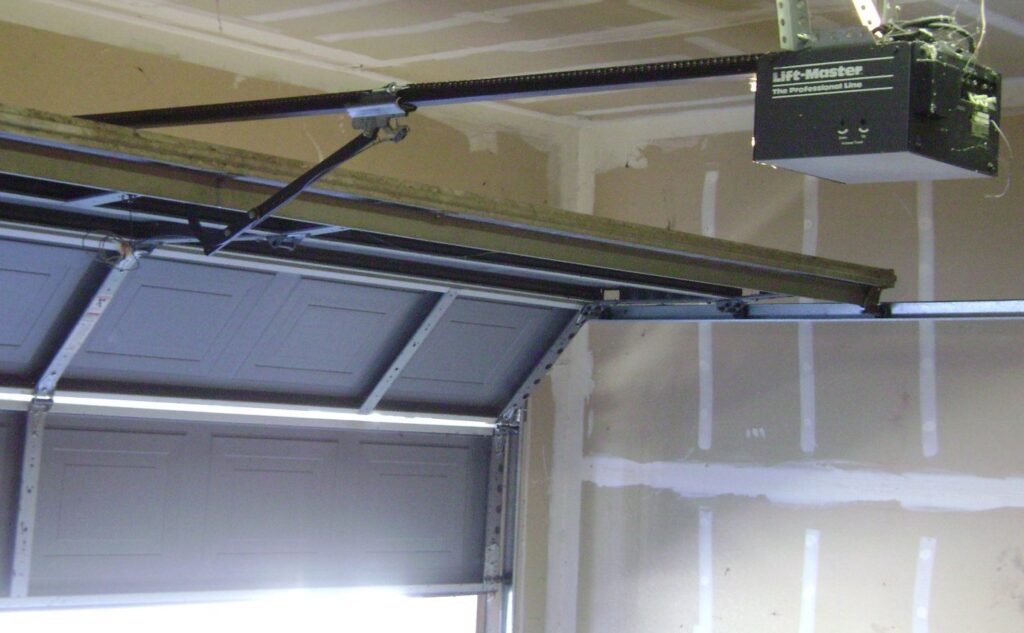
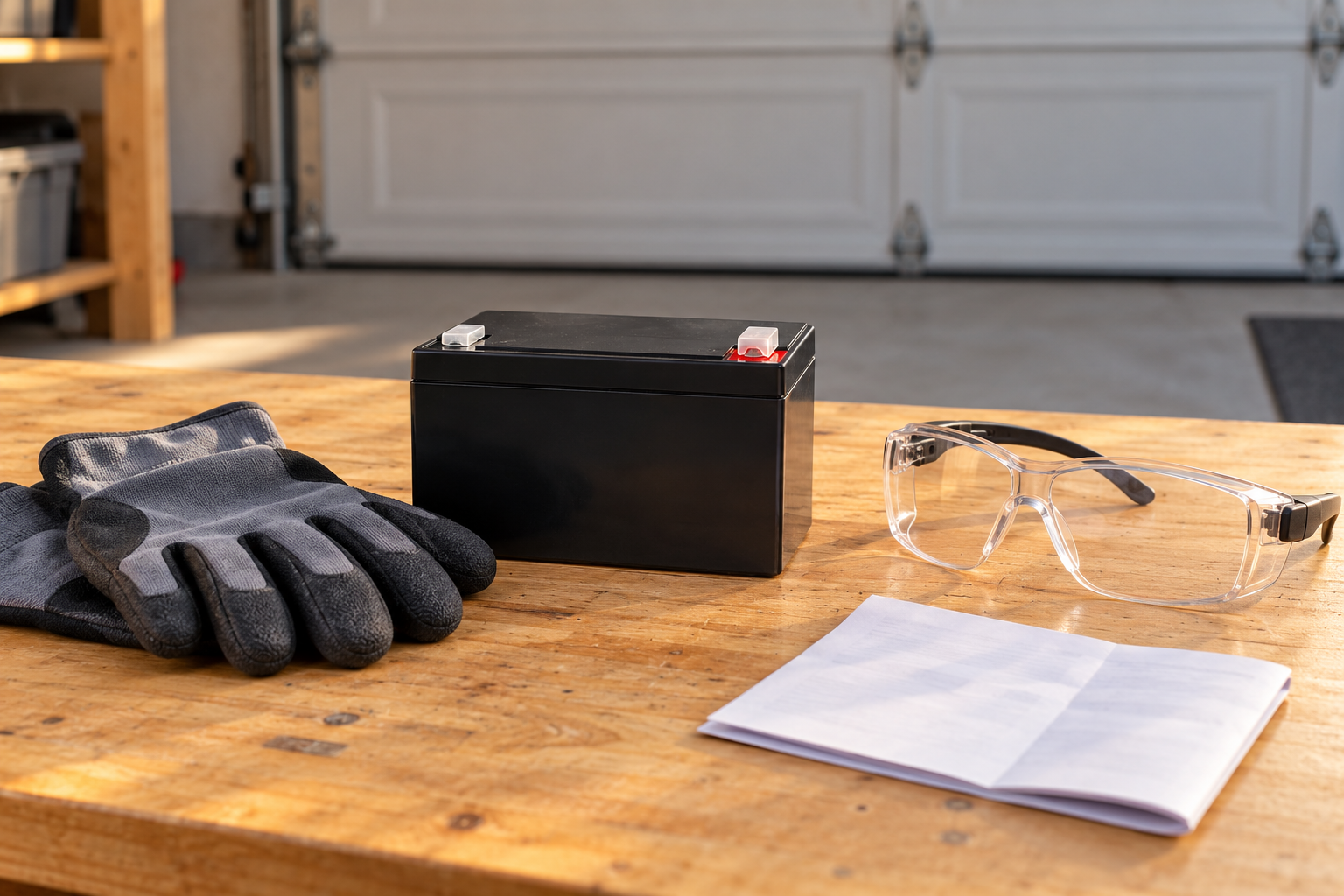
Match the approved backup-battery part before work; follow the exact model’s isolation procedure.
A backup battery must match the opener’s approved part and replacement procedure. Isolate all specified power sources, interpret charging indicators by model, and complete the required checks afterward.
A garage door opener backup battery is not the small cell in the remote. It is the rechargeable power source fitted to a compatible opener so that the door can still be operated when ordinary electrical supply is unavailable. Replacing the wrong battery will not clear the right warning, and fitting a physically similar 12-volt battery is not a substitute for identifying the approved part.
The useful maintenance decision has three parts: confirm which battery is reporting trouble, determine whether it is depleted or unable to recharge, and follow the replacement procedure for the actual opener. This guide uses documented LiftMaster 485-series examples. It does not describe how to add a homemade backup supply to an opener that was not designed for one.
Identify the battery that the warning refers to
A connected garage may contain several batteries at once. The motor backup powers the opener, the handheld remote has its own small battery, and a retrofit smart controller may use a separate battery-powered sensor on the door. Those are different circuits with different replacement parts. A phone notification about a door sensor should not automatically trigger a purchase of a motor backup.
Record the opener’s complete model and the replacement part listed in its manual. For example, the 8500W manual specifies 485LM. The 8550W-family manual also specifies that part for the models covered that have battery backup. Use the fitted equipment and its documentation, not a generic claim that every opener under a familiar brand takes the same battery.
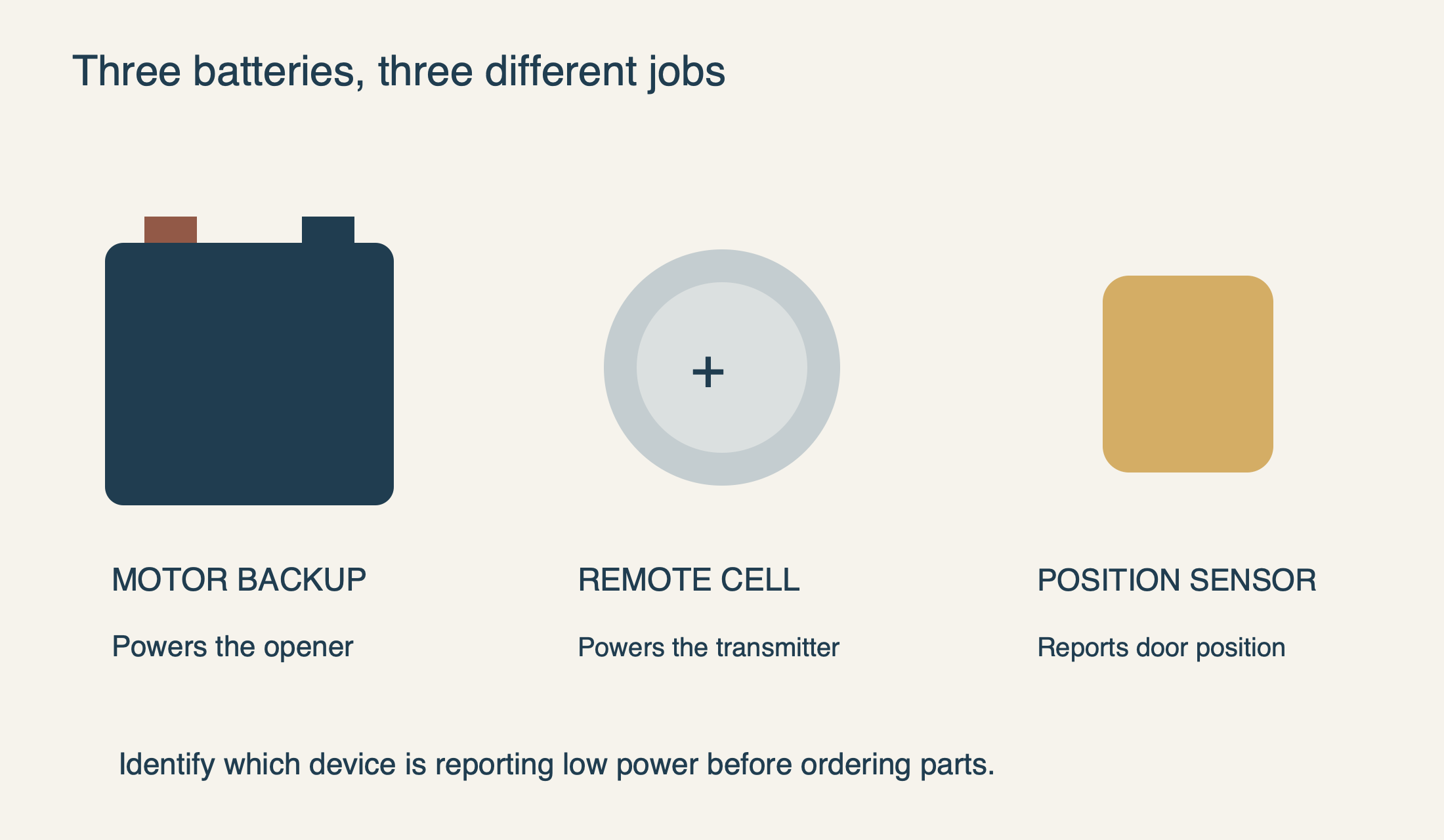 Select the diagram to view it at full size.
Low after an outage is not the same as unable to recharge
First establish whether the opener has normal AC power. A functioning door can mask a dead outlet because the backup may be carrying the load. If the receptacle is safely reachable, dry and undamaged, the manufacturer’s troubleshooting guidance permits checking it with another working device. Damaged wiring, a wet outlet or repeated protective-device trips require qualified electrical assessment, not repeated resets.
On the documented Chamberlain/LiftMaster battery-status system, solid orange indicates backup operation and flashing orange indicates low battery power. Flashing green means charging; solid green means fully charged. A solid red battery indicator with the documented periodic warning indicates a battery that can no longer recharge. Make sure you are reading the battery LED, not the separate Wi-Fi indicator.
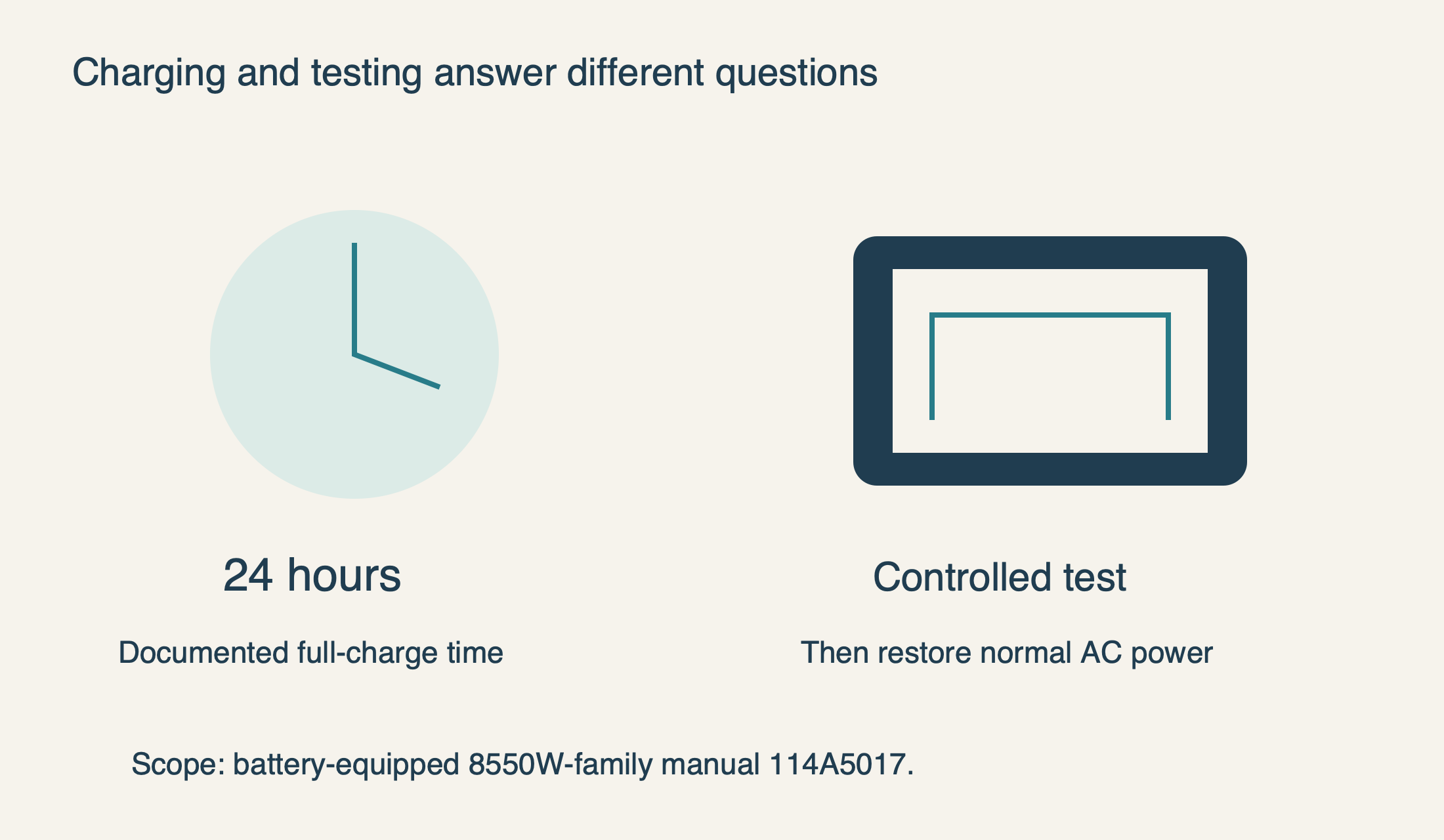
After a long outage, a low indication can be consistent with energy already used. Restore the normal supply safely and allow the model’s charging interval. For the battery-equipped 8550W-family example in manual 114A5017, the specified full-charge time is 24 hours. A replacement should not be declared defective because it is not fully charged immediately after installation.
Persistent failure needs a different response. The same manual lists a charging-circuit diagnostic condition separately from ordinary charging. A green flashing light by itself is not proof of that fault; the diagnostic code and circumstances matter. If the correct battery does not recover as documented, have the charging system assessed instead of buying successive batteries.
Choose the part by approval, not just voltage or dimensions
The 485-series replacement sheet instructs use of the specified LiftMaster replacement family, while the 8500W manual names 485LM specifically. Match the opener’s requirement, connector arrangement and supplied instructions. Similar size, voltage or a marketplace claim of “universal garage battery” does not establish manufacturer approval.
A swollen, leaking, unusually hot or physically damaged battery is not a routine change. Stop handling it and seek appropriate manufacturer or professional guidance. Do not charge it on an improvised external charger, open its sealed case or place it near flames. The manufacturer also requires suitable disposal rather than burning or casually discarding the old battery.
What a documented replacement involves—and where to stop
Plan the work with the door safely closed, the opening clear and another authorized route into the property available. If the door is jammed open, crooked or supported by suspect hardware, do not attempt a battery job as a way to make it move. The battery is not a remedy for a failed spring, cable or drive.
The LiftMaster 485-series replacement instructions require electrical isolation and protective gloves and eye protection. The user-accessible battery cover is not permission to remove the motor housing or work on the mains circuitry. Unplugging the opener removes AC supply, but the connected backup can still supply energy until it is disconnected according to the matching instructions.
For the documented replacement, the old battery is removed from its designated compartment and the approved new battery is placed with its terminals accessible. The manufacturer identifies the red lead as positive and the black lead as negative. Follow the complete supplied procedure for disconnecting and reconnecting the battery; do not bridge terminals with a tool or substitute an improvised lead.
If a connector is damaged, stuck or unclear, stop rather than pulling on its wire or improvising polarity. Once the correct battery is connected and the cover is secured as directed, normal supply is restored. If safe access requires difficult overhead work, or you are unsure how to isolate this model, have the battery replaced professionally. A short maintenance task is not worth a fall or electrical injury.
Verify charging, then verify backup operation
A charging indicator and a successful backup test answer different questions. The first shows what the charging system reports; the second checks whether the opener can operate from the backup under the documented conditions. Record both rather than treating the disappearance of a beep as the only success criterion.
The 8550W-family manual describes a controlled test using a remote or local door control with AC disconnected, followed by reconnecting AC and confirming the charging indication. Use that procedure only on an otherwise normally operating door, with a clear view and no one in the travel path. It is not a reason to repeatedly cycle a binding or damaged door.
The manual notes that operation may be slower on an incompletely charged battery and allows 24 hours for full charge. Keep the opener connected to its normal powered supply afterward. Do not deliberately run repeated cycles until the battery is exhausted to discover an exact capacity; the useful maintenance result is reliable operation and recharge, not a destructive endurance experiment.
 Select the diagram to view it at full size.
Backup power does not preserve every smart feature
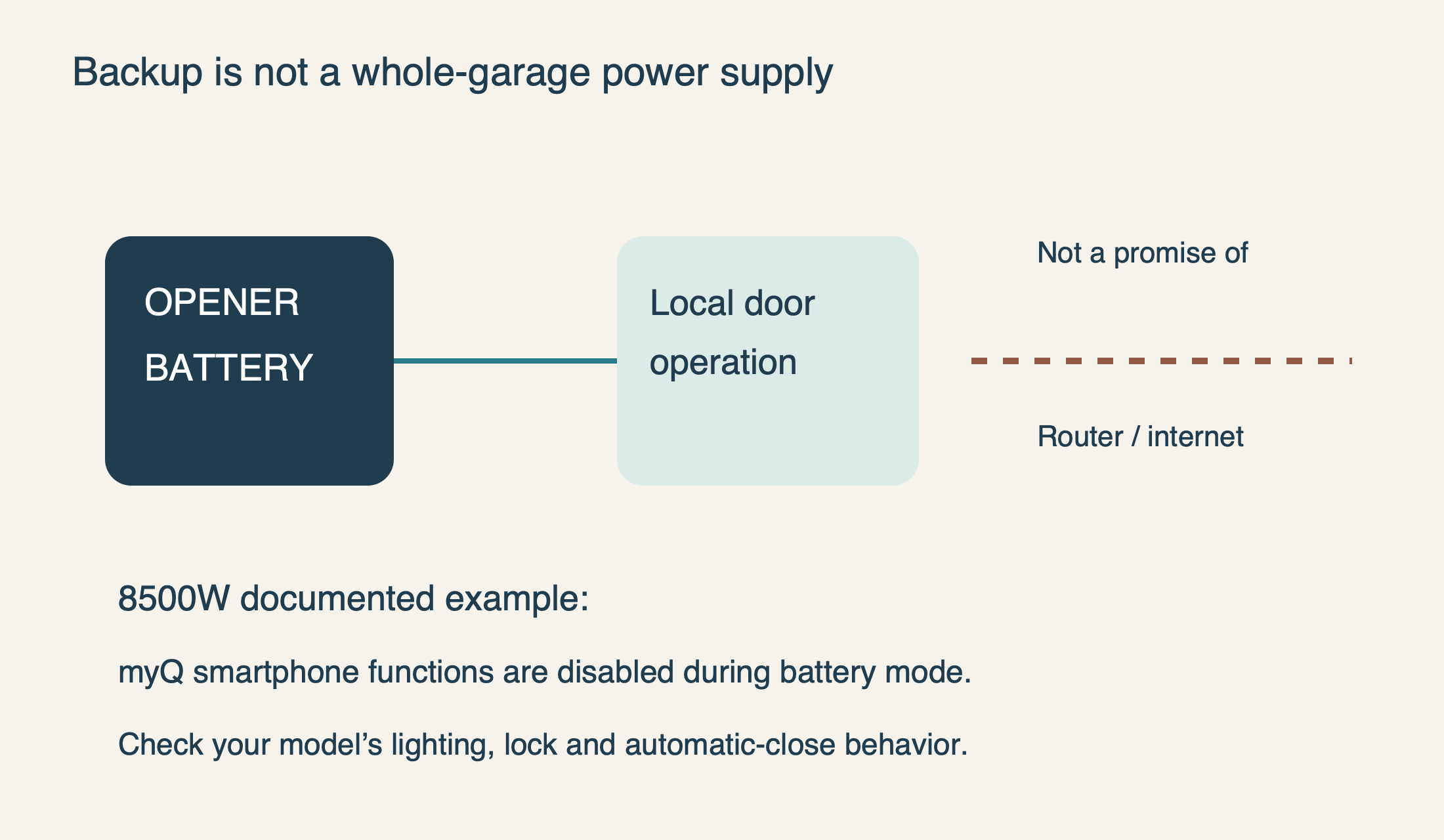
Do not assume that a moving door means every connected function remains available. In the 8500W manual, myQ smartphone control and wireless myQ functions are disabled in battery mode. The automatic door lock unlocks when the door opens and stays disabled until ordinary supply returns. Those are specific documented behaviors, not faults to correct with a reset during an outage.
The 8550W-family manual likewise identifies unavailable lighting, Timer-to-Close and remote-close functions during backup operation. Your household should know which local controls remain usable on its exact model. A working opener battery also does not power the home router or restore internet service.
Prepare an outage plan before it is needed. Keep an authorized local entry method available, understand the model’s limits and avoid unnecessary cycles when supply is interrupted. Do not promise a fixed number of operations for every installation: battery condition, the product’s own rating and actual circumstances all matter. A headline capacity figure is not a guarantee for an aging battery.
 Select the diagram to view it at full size.
Keep a small maintenance record
Record the approved battery part, replacement date and the result of the documented test. The 8550W-family maintenance instructions call for a yearly battery test. Use your own opener’s schedule if it differs, and investigate a warning rather than waiting for the next calendar reminder.
For unresolved trouble, give support the opener model, battery part, charging time allowed, battery-LED state and observed backup behavior. Our opener service can distinguish a worn battery from a supply or charging fault. The desired outcome is dependable emergency access—not simply a quieter motor unit with its backup disconnected.