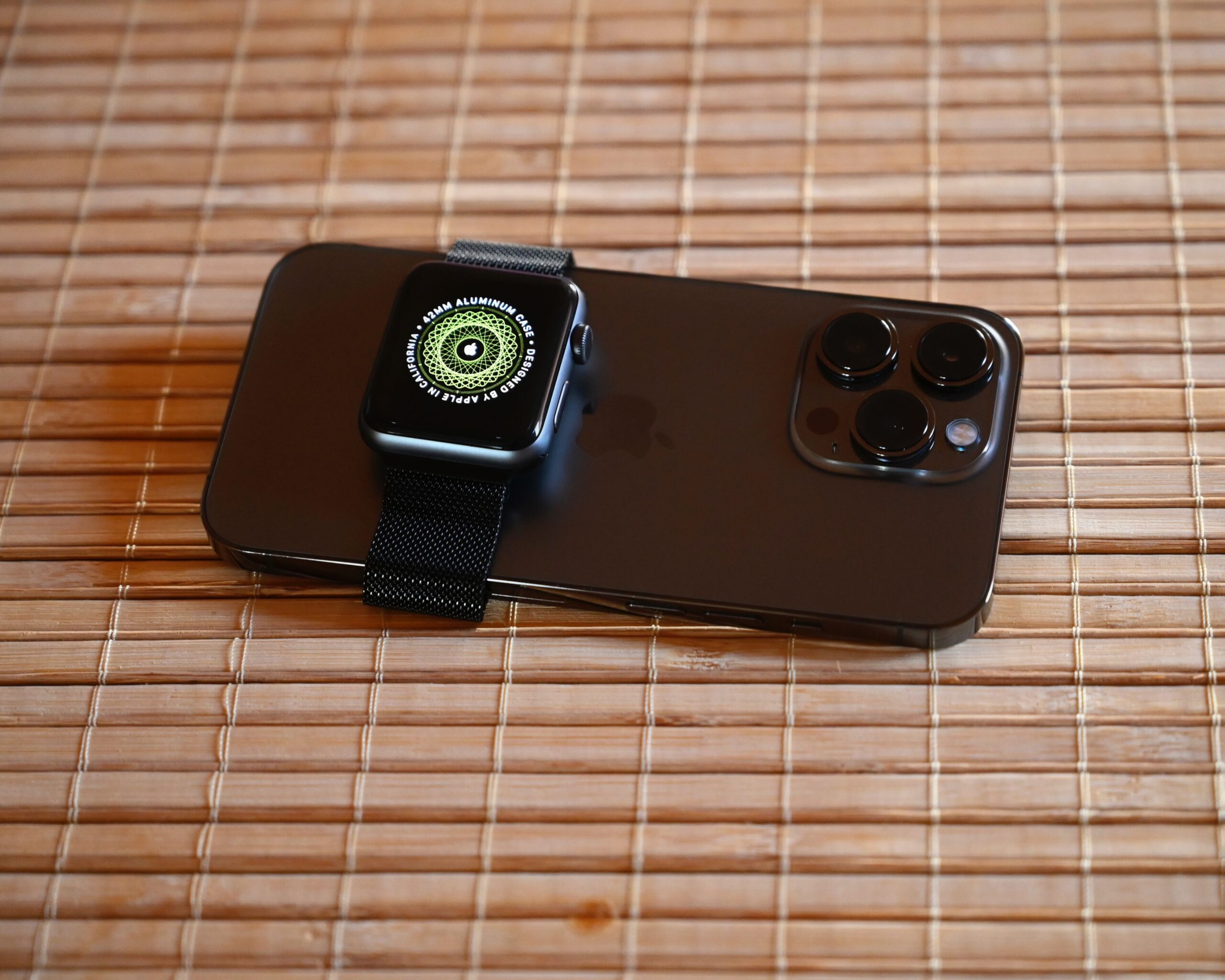
iPhone 13 Pro and Apple Watch hardware. This is not a myQ screen capture or a claim of a tested configuration. Photo: SimonWaldherr, CC BY-SA 4.0. Photograph unchanged.
Residential myQ works through its iPhone app. Direct Siri shortcuts and Apple HomeKit are listed as unsupported in Chamberlain’s current integration matrix. CarPlay access can be provided by an eligible vehicle-partner service; Apple Watch has its own official sync procedure. Community access, iPhone widgets and switching between homes are separate questions, each covered below.
 Chamberlain Group · official App Store listing
Check device compatibility and optional services in the store.
Download residential myQ or the correct Community app
For a home garage, use myQ Garage & Access Control in the US App Store, from The Chamberlain Group, Inc., app ID 456282559. Check the current compatibility panel on your iPhone before installation. Requirements and optional purchases can change.
A property-manager invitation may instead require myQ Community. Choose the app named by that managed-property service; the two products do not have identical access features. A free download does not include every video-history or vehicle-service plan.
Connect the garage equipment before troubleshooting CarPlay or Siri. The main myQ connection guide handles device selection and home Wi-Fi. Once the phone shows the correct door, compare the displayed state with the physical doorway from a safe position.
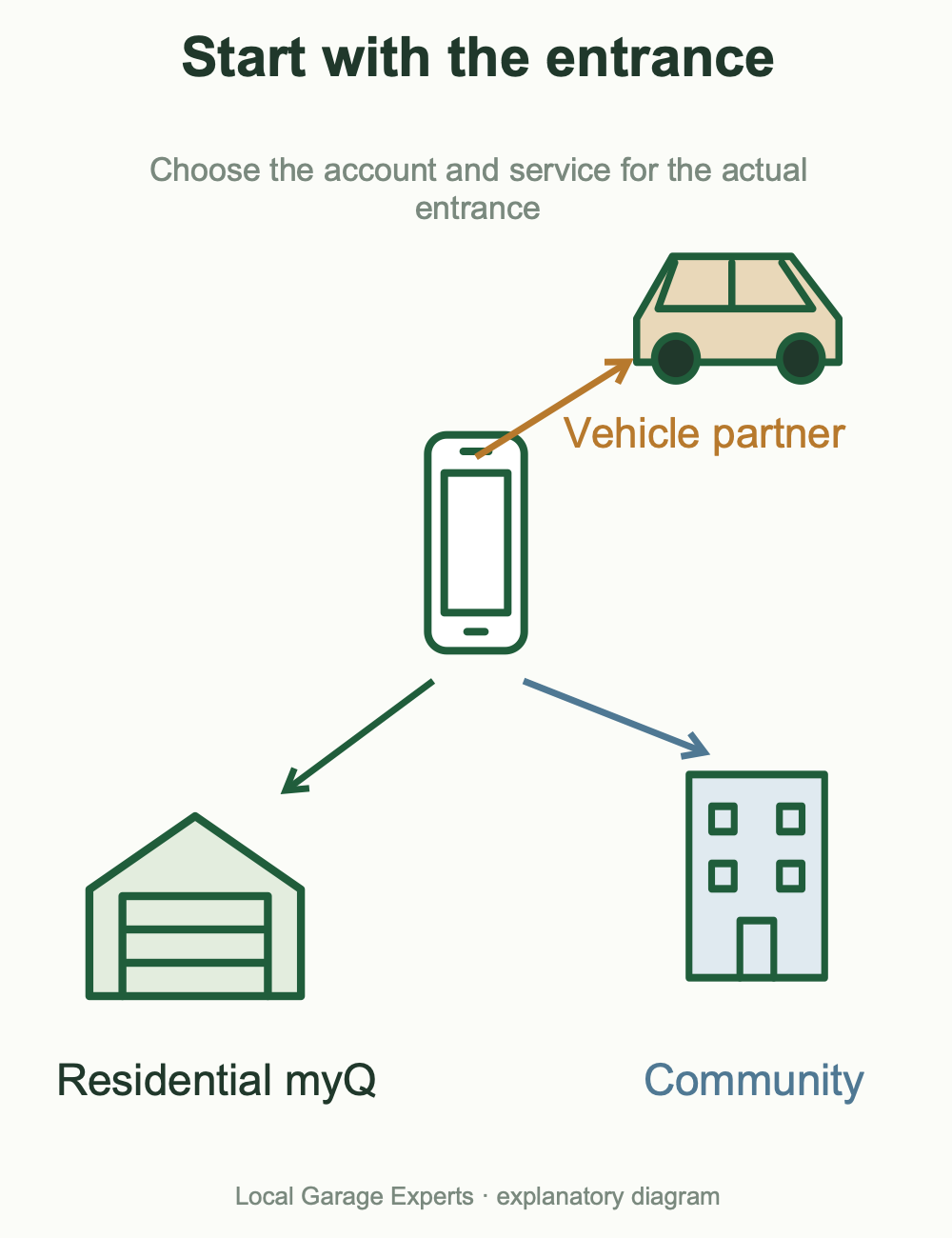
Diagram details
| Product | Starting point |
|---|---|
| Residential myQ | Your home garage equipment and authorized account. |
| myQ Community | The managed property’s assigned entrances and invitation. |
| Vehicle partner | A separately eligible vehicle service linked to your garage account. |
How to get myQ garage access in Apple CarPlay
Do not start by trying to add every app on your iPhone to the CarPlay dashboard. First identify a supported vehicle route. Chamberlain documents HondaLink, AcuraLink and My Mitsubishi Connect integrations; an automotive brand listed elsewhere in myQ’s directory may instead use an embedded vehicle system.
- Check your exact model, model year, country and service eligibility with the vehicle partner.
- Verify the door works in the residential myQ phone app.
- Install or open the required partner app and sign in to the intended vehicle account.
- Use that partner’s myQ account-linking process. Confirm the chosen garage and the account role allowed for vehicle linking.
- Connect the iPhone using the vehicle’s supported CarPlay arrangement and follow the partner’s garage-control instructions while parked.
Honda’s FAQ sends users to HondaLink MyGarage for current eligibility and plan terms. Acura requires AcuraLink, rather than myQ alone. For Mitsubishi, eligible US vehicles require the applicable Remote Services and myQ packages. Its linking route is My Mitsubishi Connect Settings → myQ Connected Garage → Link to myQ, followed by selecting the garage.
These are conditional routes, not a promise that every CarPlay screen will show a myQ icon. A wireless CarPlay adapter cannot supply a missing vehicle integration or subscription. Do not buy one as a garage compatibility fix.
CarPlay garage control is missing: check this order
- Phone works, car does not: inspect vehicle eligibility, the partner service and account linking.
- Another garage appears: check the selected home, linked account and door before issuing a command.
- Account is shared: verify the role supported by that partner; app access alone does not establish vehicle-linking permission.
- myQ itself is offline: restore the garage connection before repeating CarPlay configuration.
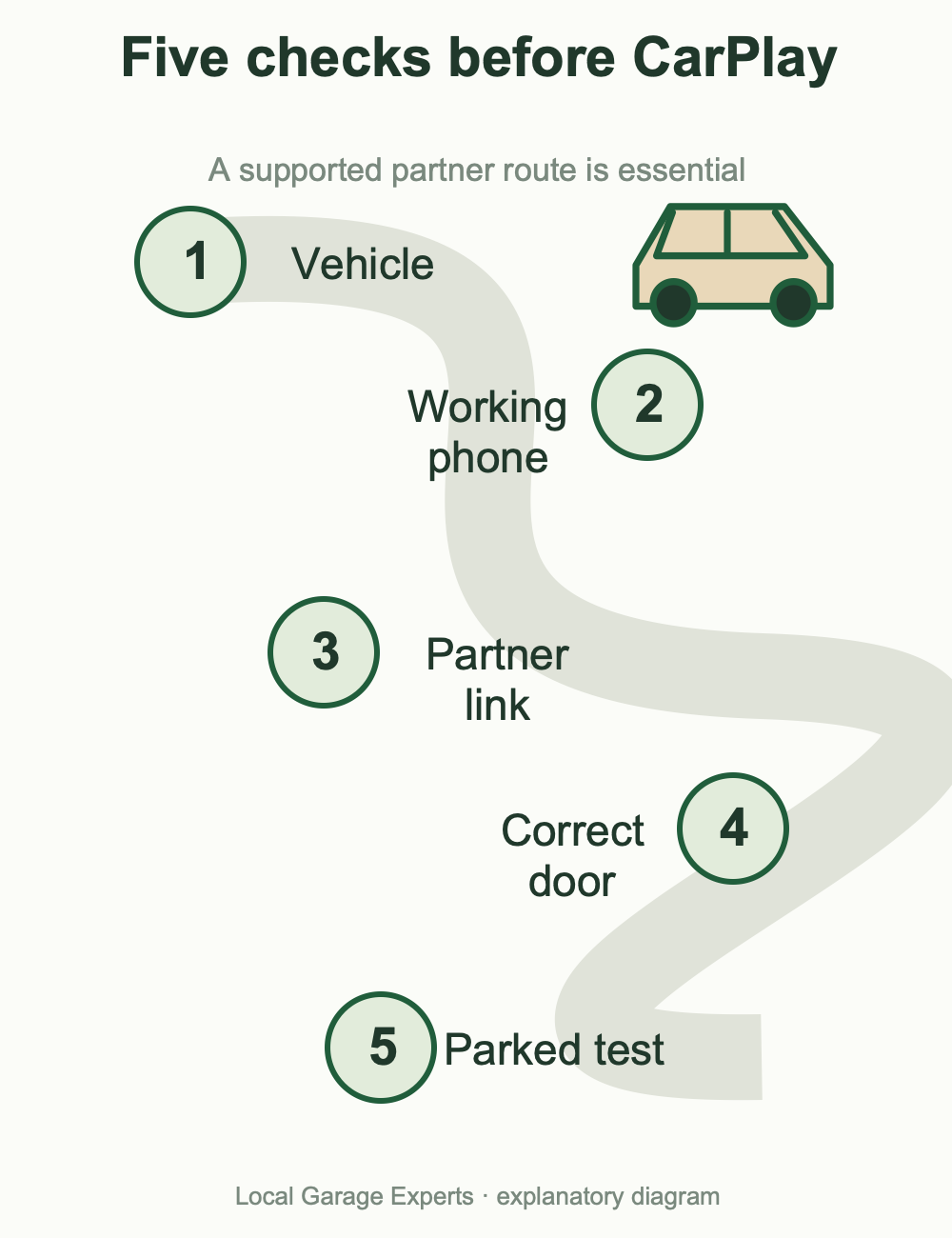
Diagram details
Confirm model, year, country and service.
Establish normal residential myQ operation.
HondaLink, AcuraLink or the documented Mitsubishi route.
Confirm home, permissions and garage.
Use the partner’s supported CarPlay arrangement.
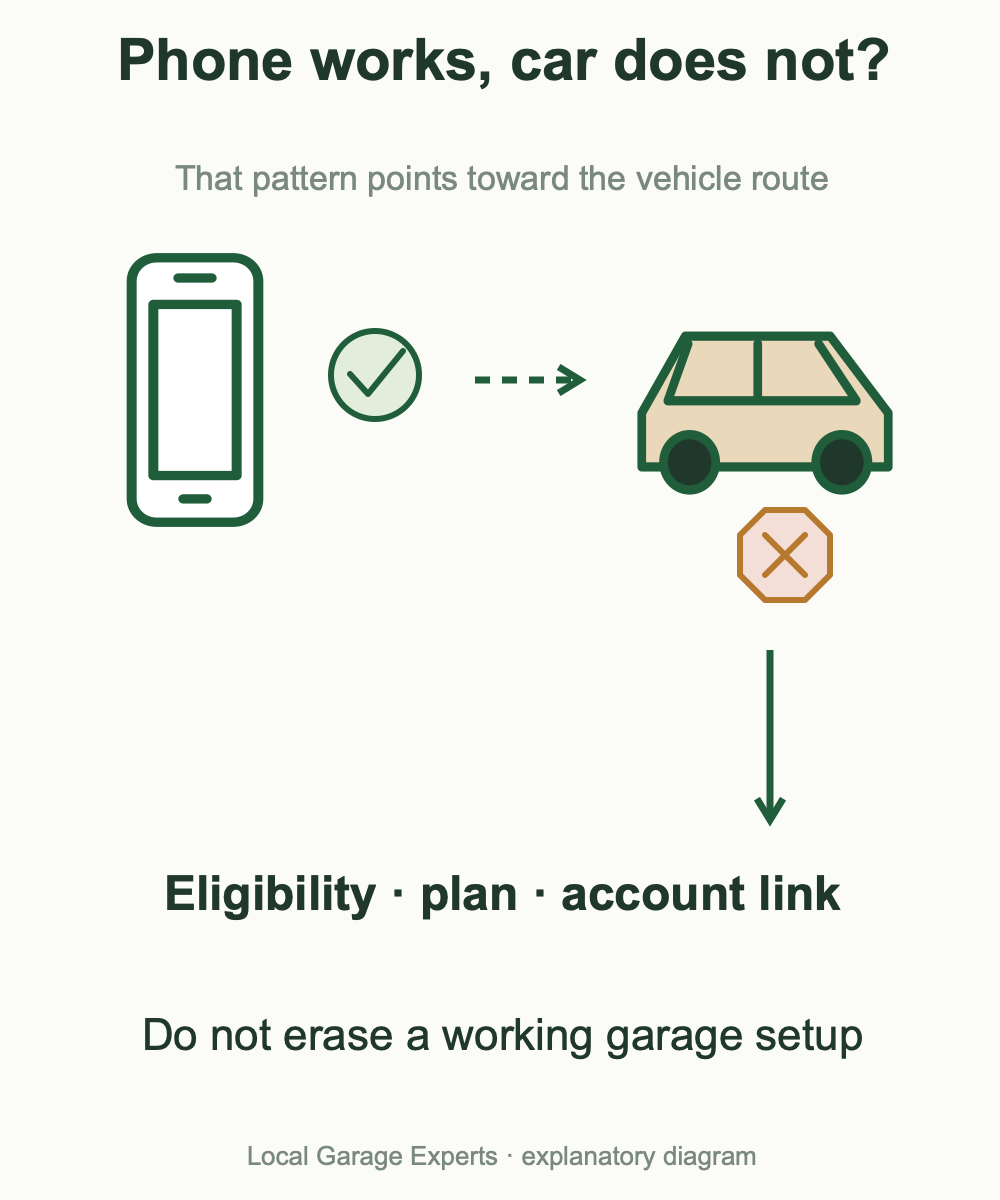
Diagram details
| Phone result | Car result | First branch |
|---|---|---|
| Works | No garage feature | Partner eligibility, plan and linking. |
| Offline | No garage feature | Restore garage/controller connectivity. |
| Works | Wrong door | Linked home/account and selected garage. |
Does myQ work with Toyota CarPlay?
We did not verify a supported Toyota myQ CarPlay service in the official sources reviewed. Toyota is absent from the myQ connected-car directory checked for this revision. That finding is narrower than claiming no future or model-specific integration can ever exist.
Toyota CarPlay support is not evidence of myQ garage control. HomeLink, available on some Toyota vehicles, is a separate transmitter route described in the vehicle manual. It does not make residential myQ support Siri or Apple Home. Follow the exact vehicle/opener compatibility requirements; do not apply a HondaLink setup to a Toyota.
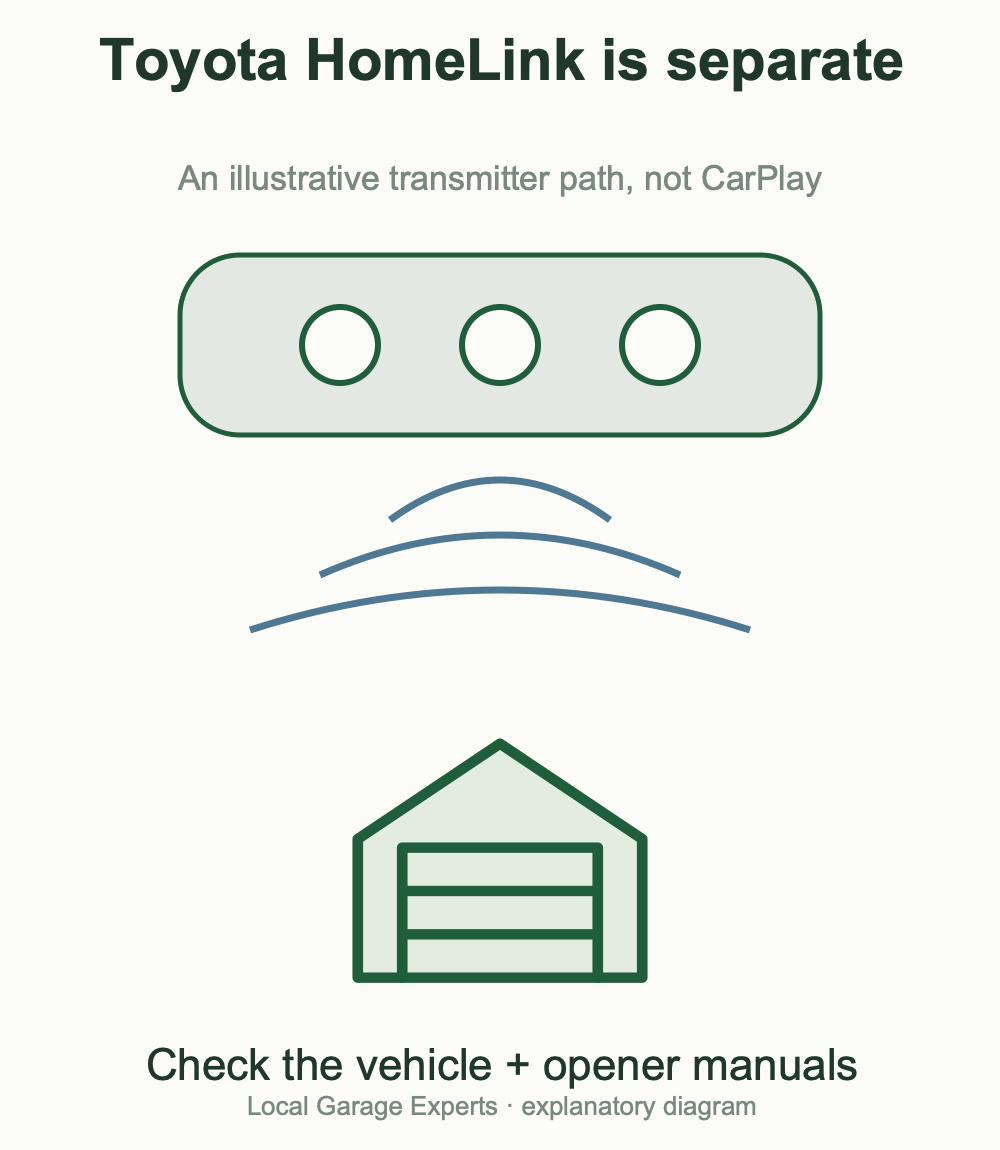
Diagram details
Compatible phone apps; myQ support still needs an established route.
A separate transmitter follows vehicle/opener programming instructions.
Can Siri or an iPhone Shortcut open a residential myQ door?
Chamberlain’s current supported-platform page lists direct Siri voice commands, Siri shortcuts and Apple HomeKit as unsupported for residential myQ. A functioning myQ app therefore does not establish a supported “Hey Siri, open my garage” command.
A Shortcut that only launches an app is different from a supported action that opens a door. Check what a tutorial actually executes, whether the manufacturer supports it and whether it requests account credentials. Do not describe an unofficial bridge or account workaround as a built-in myQ feature.
Legacy advice needs dates: Home Bridge was discontinued in June 2022, and support for its myQ/HomeKit functionality ended June 15, 2024. This does not prove that every installed unit physically stopped working that day. Home Assistant’s former official integration was also removed for its 2023.12 release. Neither is a sound basis for promising a new supported residential Siri setup.
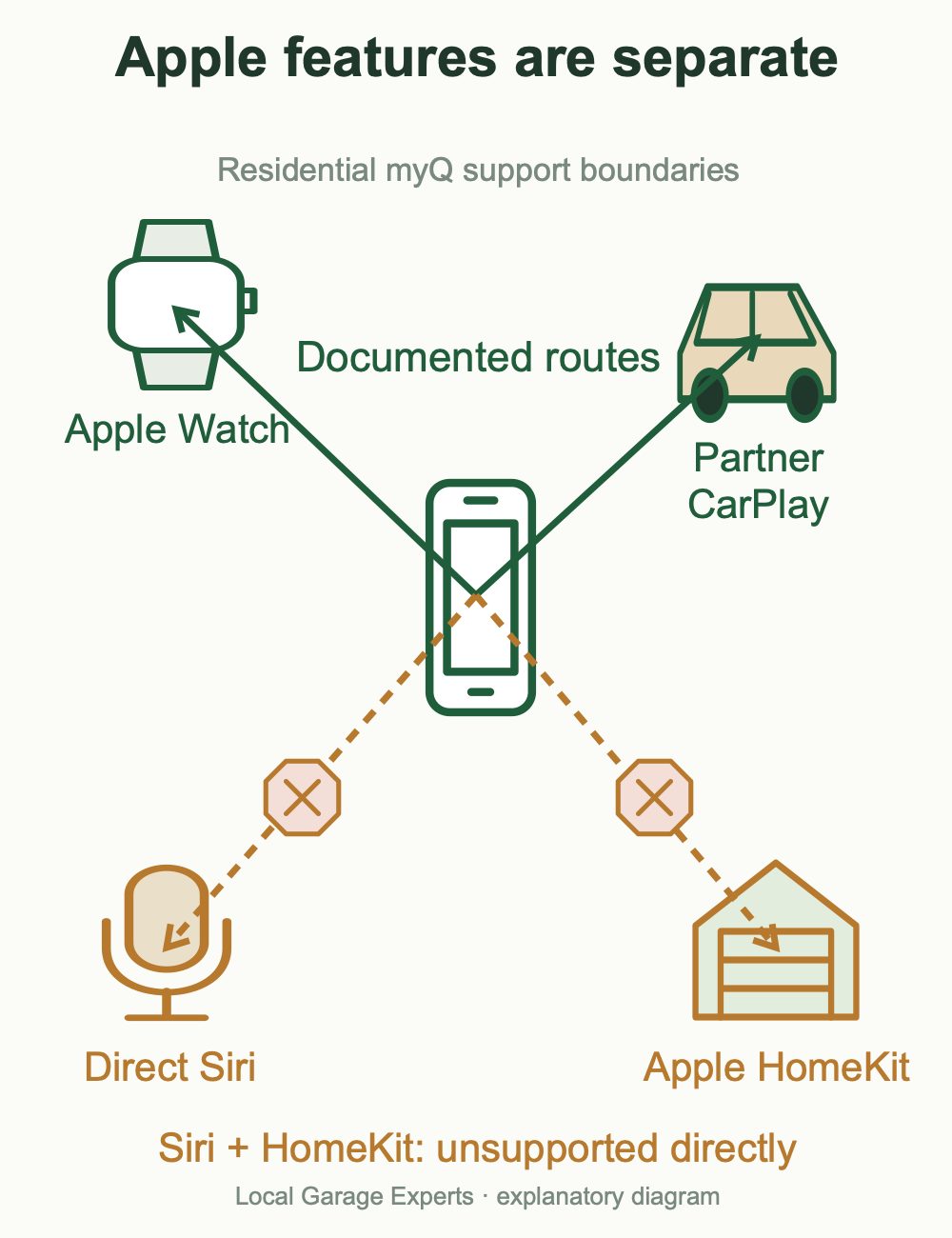
Diagram details
| Route | Current evidence |
|---|---|
| myQ iPhone app | Official residential app download. |
| Direct Siri / Shortcuts | Unsupported in the residential integration matrix. |
| Apple HomeKit | Unsupported in the current residential matrix. |
| Apple Watch | Separate supported sync instructions. |
| Partner CarPlay | Conditional vehicle-specific service. |
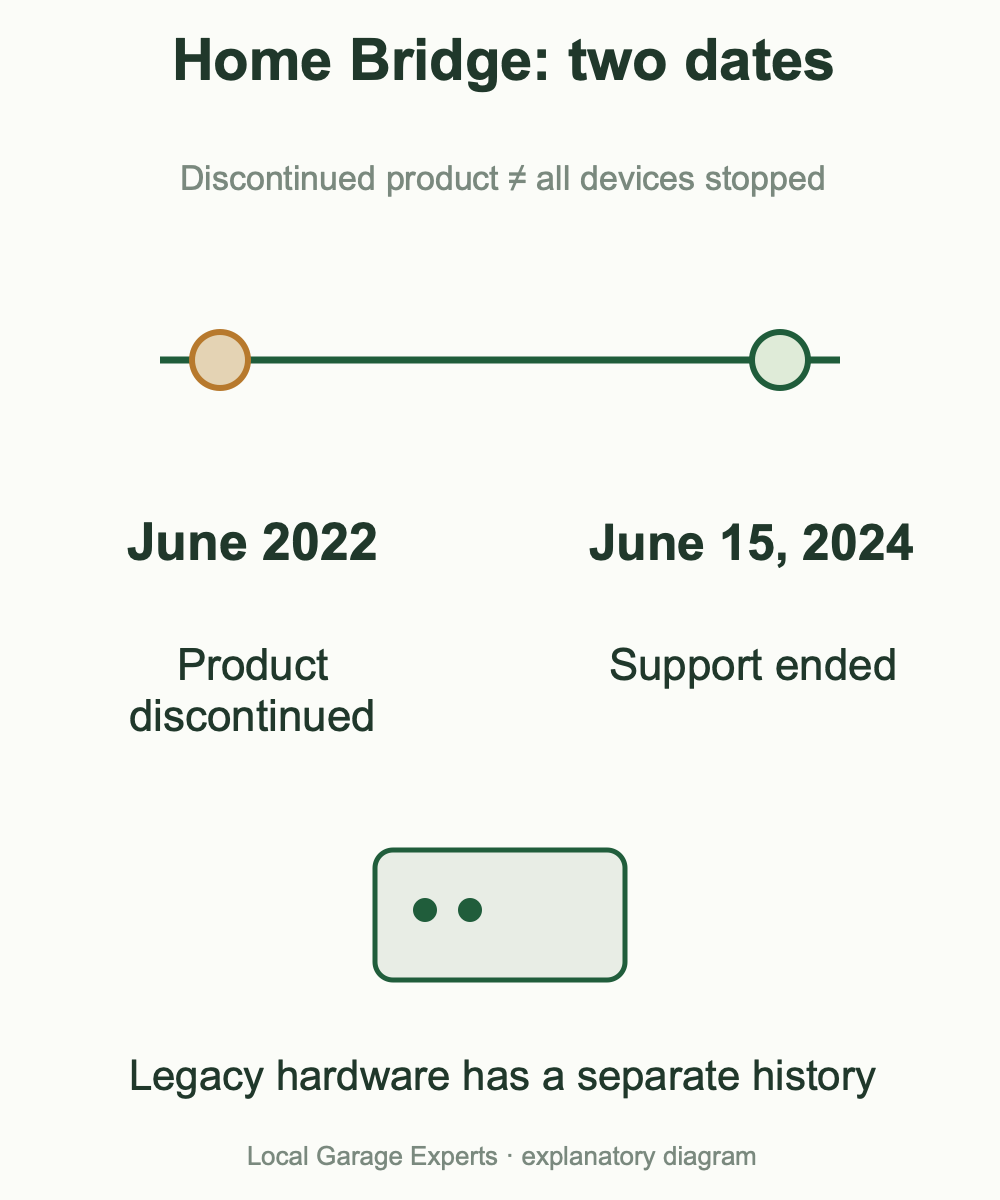
Diagram details
Home Bridge product discontinued.
Support for its myQ/HomeKit functionality ended.
It does not establish that every installed bridge stopped operating that day.
Community Siri and linked home garages
The separate myQ Community product documents Siri access for eligible managed-property entrances. Community can also link residential garage openers through myQ Garage & Access. These facts do not establish Siri support for every linked device.
Check the particular entrance or linked opener with myQ and the property manager. Keep property access, residential ownership and invited-user permissions separate. If a Community command works for a building gate, do not assume it operates a home garage under the same conditions.
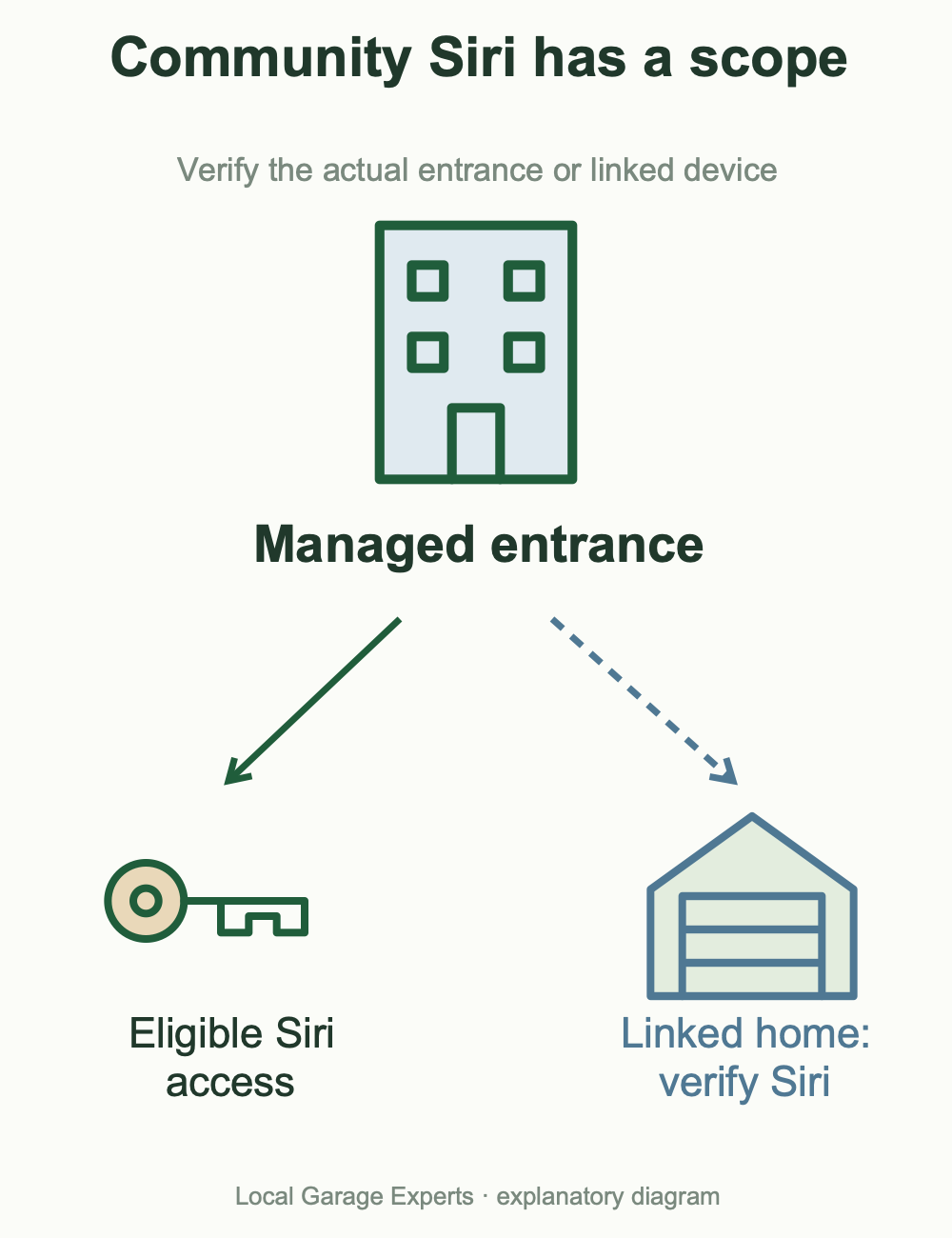
Diagram details
Verify eligible Community Siri access with the property service.
Linking is documented; Siri availability for that device must be verified separately.
Do not transfer Community’s Siri claim to every home installation.
Set up myQ on Apple Watch
Apple Watch is an officially documented route, with a dedicated sync procedure. Update the iPhone myQ app and sign in. Chamberlain says the watch normally synchronizes after sign-in; if it does not, keep the paired devices nearby and use the Apple Watch entry in myQ’s settings. Depending on the app layout, those settings are under the gear or your initials.
That procedure concerns the watch app; it does not enable Siri or HomeKit. Community has separate watch instructions. For Android or Wear OS questions, use the Android, widgets and Android Auto guide.
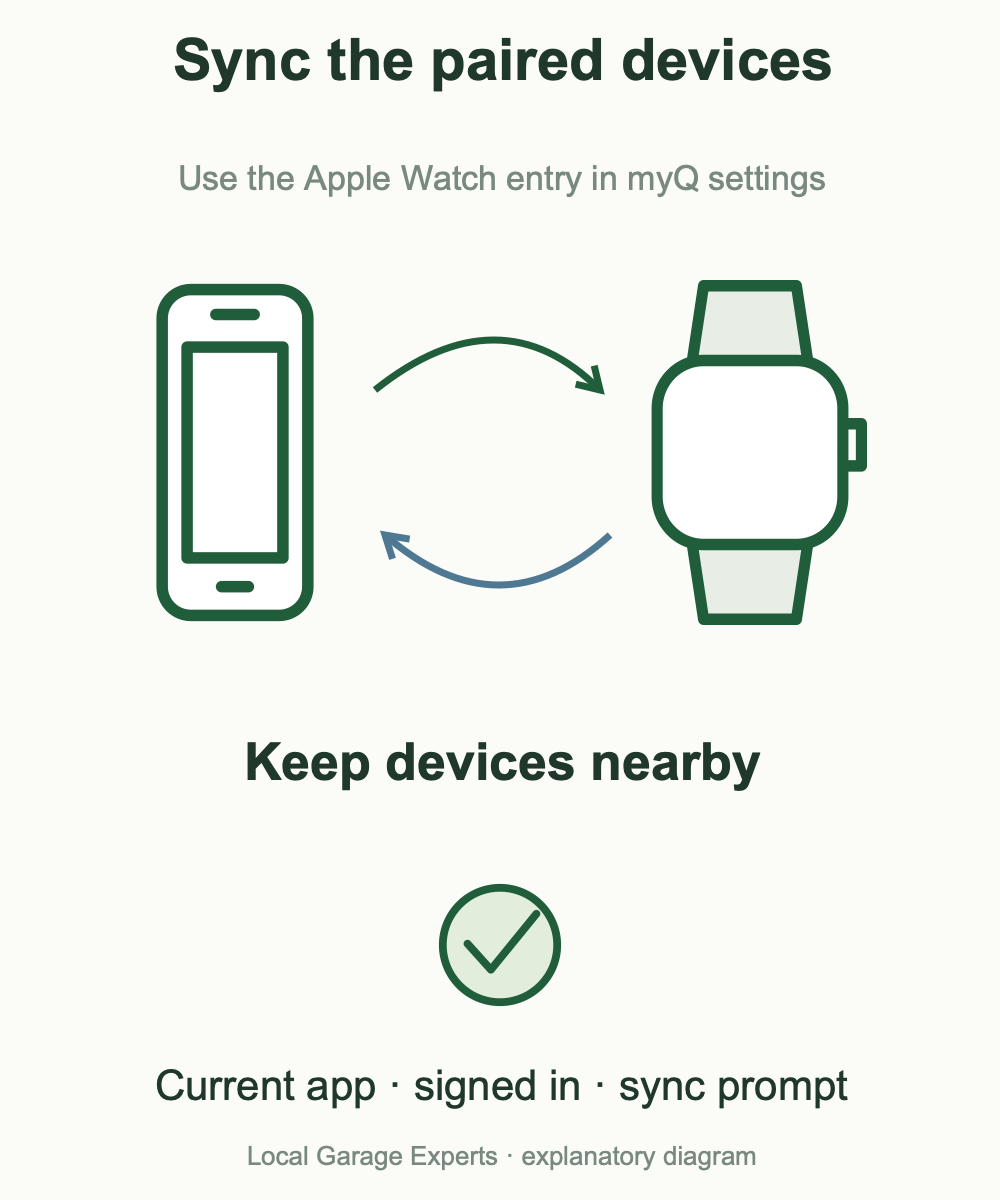
Diagram details
Start with the current iPhone myQ app.
Open the Apple Watch entry in myQ settings.
Use the watch prompt and the current official instructions.
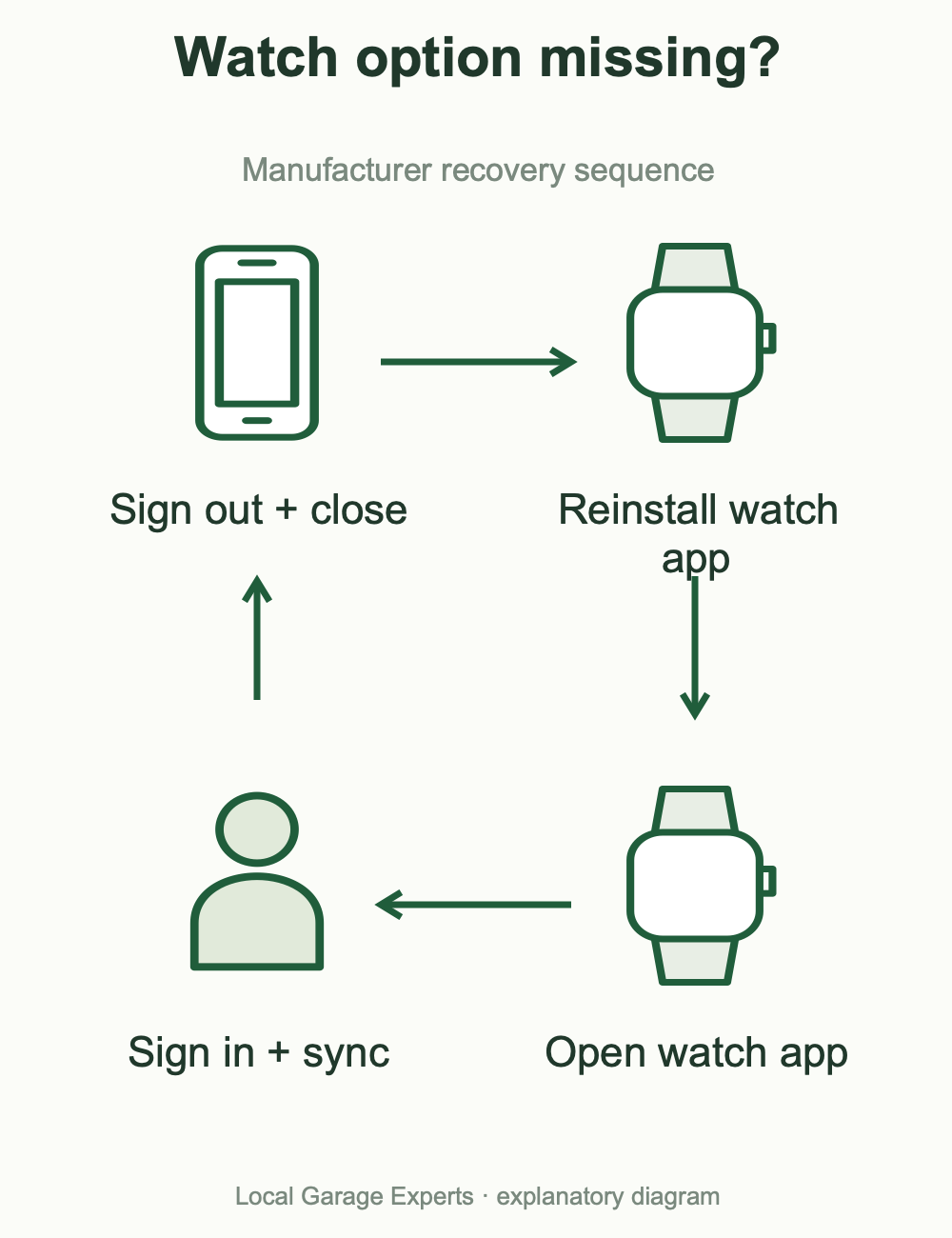
Diagram details
Use the iPhone app account route.
Remove and reinstall myQ on Apple Watch.
Look for the sync message.
Retry the manufacturer’s sync sequence.
Where is the myQ iPhone widget?
We did not establish a generally available residential myQ iPhone Home Screen or Lock Screen widget in the official documentation reviewed. A myQ device tile inside the app is not an iOS widget. Similarly, a Community Android Device Control feature is not an iPhone feature.
Check the widgets offered by the installed app on your actual iOS version. If myQ is absent, do not conclude that the opener needs resetting. Use the supported app or watch route; a web bookmark or launcher shortcut should be described as a launcher, not a status display or door-control widget. Avoid an unofficial widget that requires handing your garage account to an unverified service.
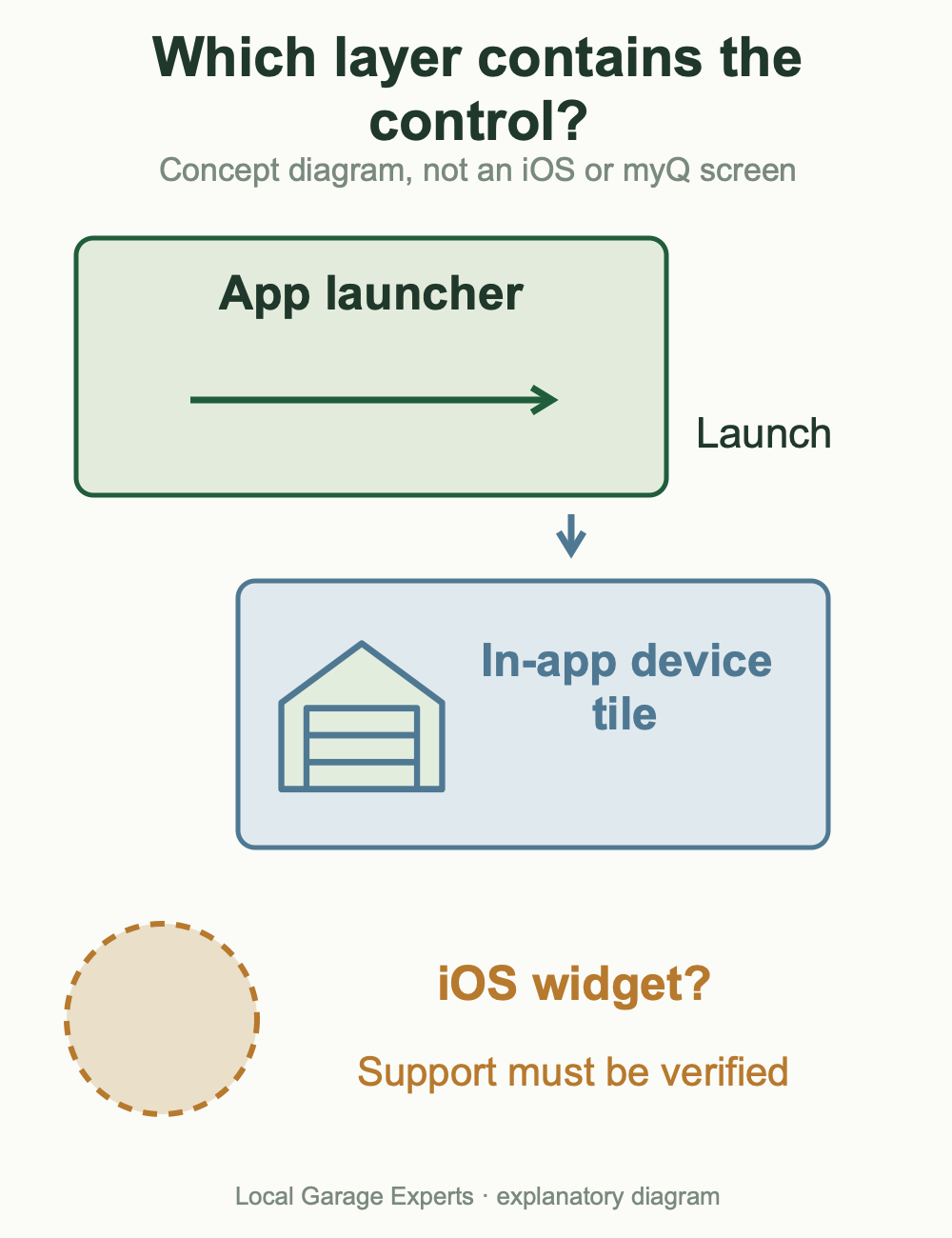
Diagram details
| What you see | What it actually proves |
|---|---|
| Device tile inside myQ | In-app layout, not an iOS Home Screen widget. |
| Shortcut that opens myQ | An app launcher, not a verified garage command. |
| Android Community Device Control | A separate product/platform feature, not an iPhone widget. |
Use myQ at two homes or switch to a shared garage
For multiple homes or an invited account, Chamberlain’s current instructions say to tap the home name at the top of myQ and select the intended home/account. This is the first check when an accepted invitation seems to have added no devices: you may still be viewing your own home.
Use distinct home and door names, then verify the selection before operating. Renaming a home does not change ownership or sharing. Invite household members through their own accounts instead of sharing a password. If the device still belongs to a previous household, use the ownership-transfer and Error 310 guide; switching the displayed home cannot settle ownership.
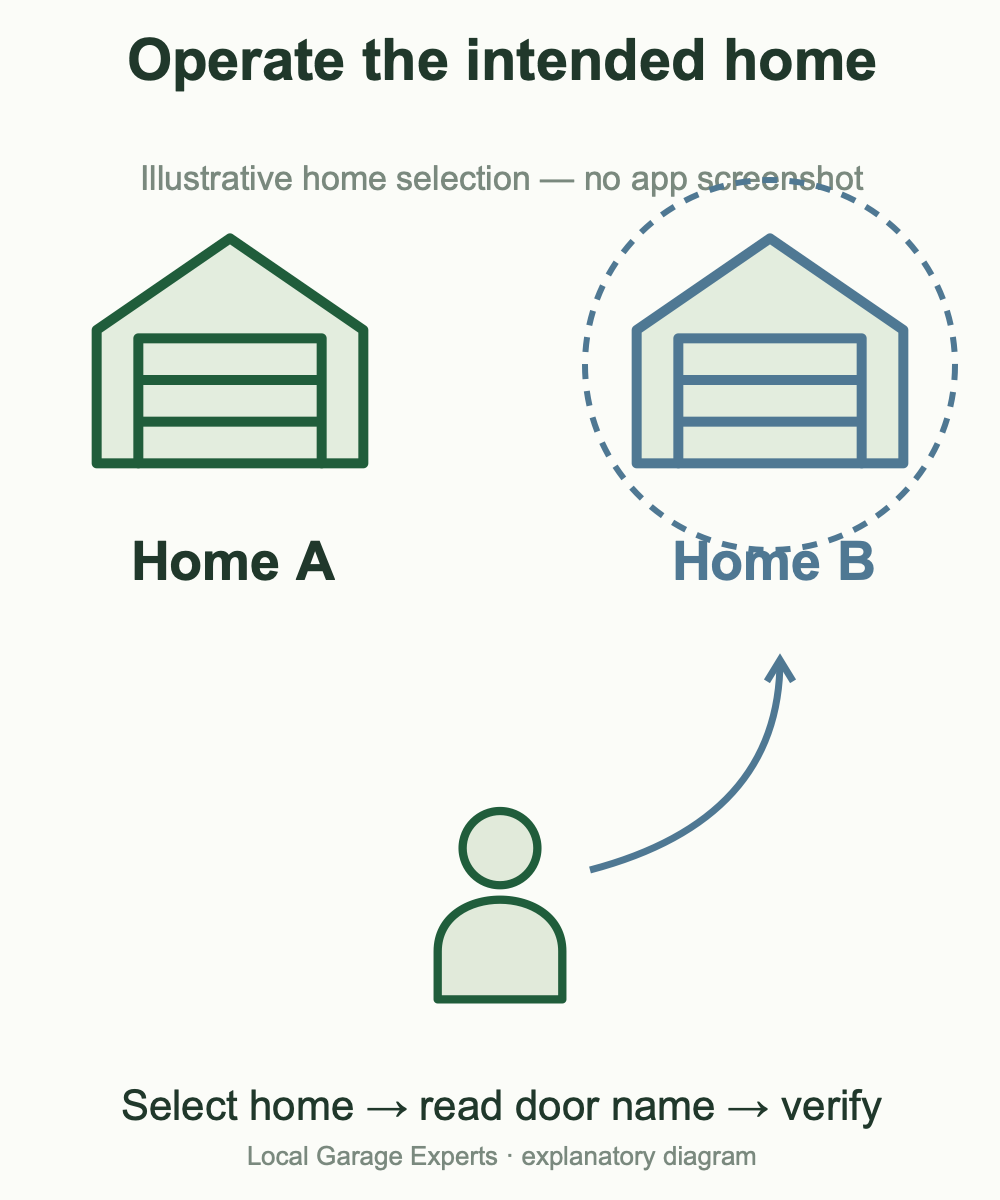
Diagram details
Use the home selector at the top of myQ.
Your own home and an invited home can be different views.
Verify the actual entrance before sending a command.
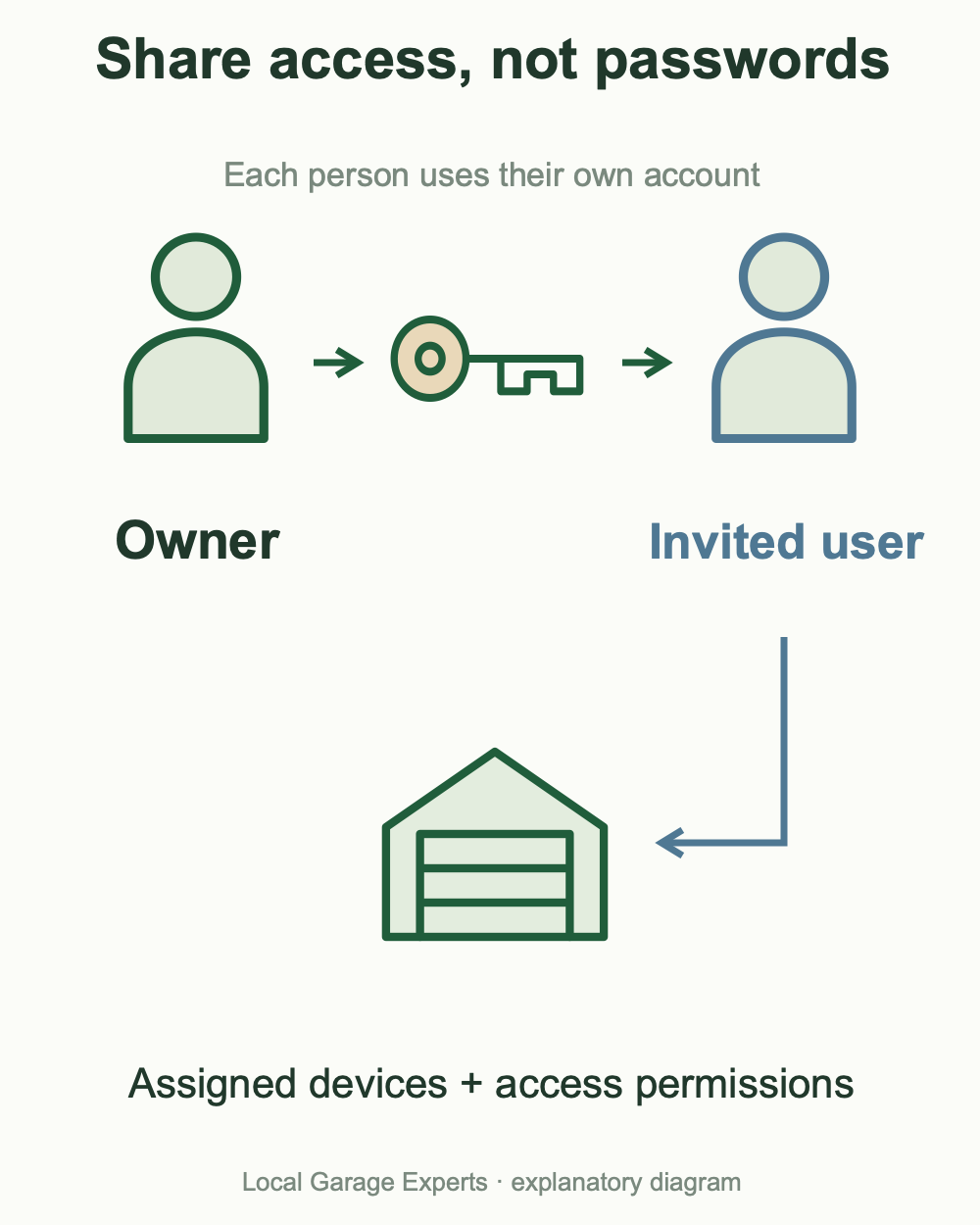
Diagram details
| Situation | Correct check |
|---|---|
| Shared home missing | Use the invitation email/account and select the shared home. |
| Wrong device permissions | Ask the owner to check the devices assigned to you. |
| Previous-owner association | Resolve the documented ownership-transfer route. |
Fix an iPhone problem without resetting every device
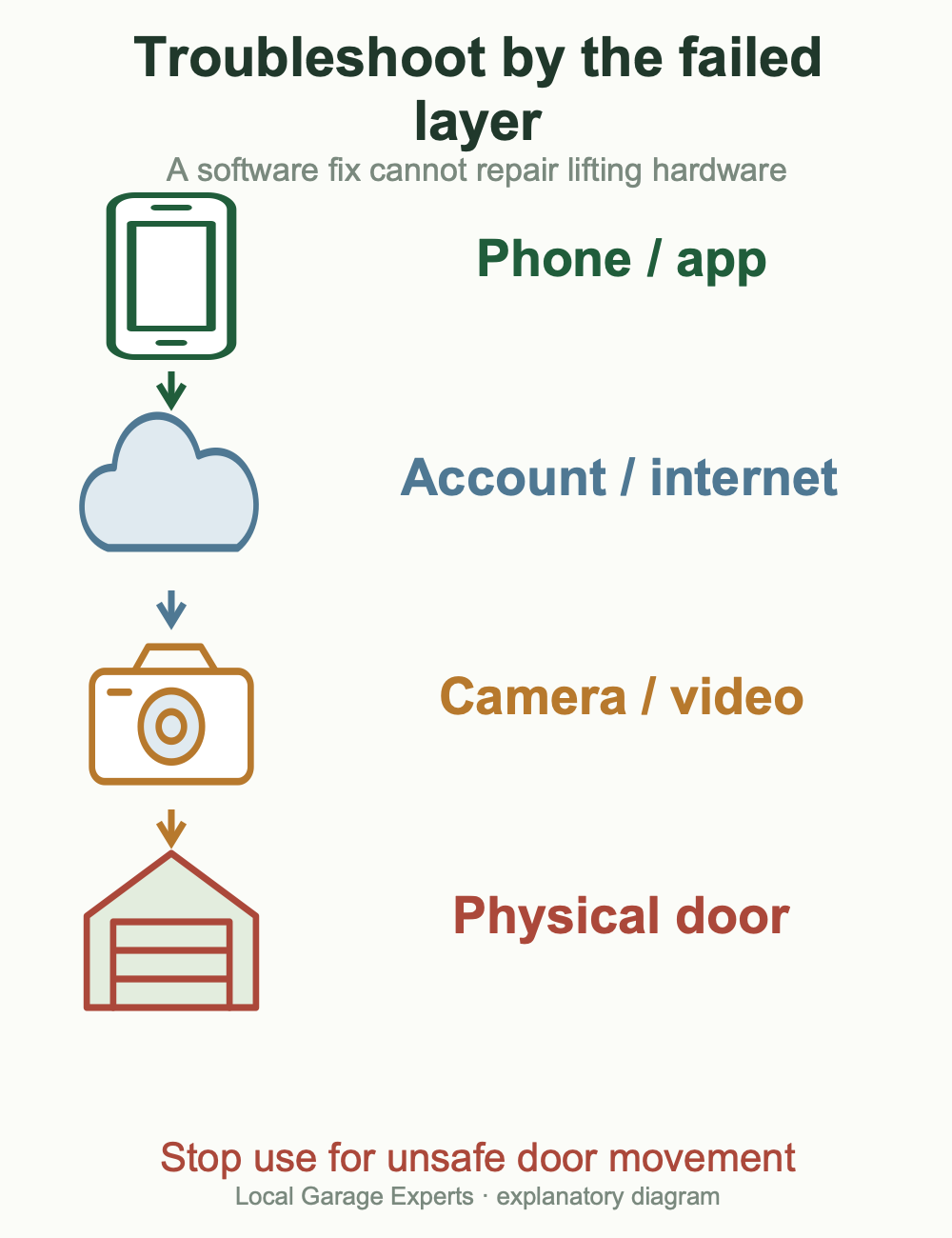
Diagram details
| What fails? | Useful next check |
|---|---|
| App freezes or will not load | Confirm phone internet access, reopen myQ and compare Wi-Fi with cellular data. |
| Push alerts are missing | Review the relevant myQ device’s alerts and iOS notification permission; successful door control does not verify alerts. |
| All users see an opener Offline | Check controller power and the home network rather than only reinstalling one iPhone app. |
| Door works; camera video is missing | Separate camera connectivity, live viewing, recording settings and the video plan. |
| CarPlay works; Siri does not | They are different routes. Revisit supported Siri scope instead of unlinking a working vehicle. |
| Displayed state and physical door disagree | Stop remote commands until you can check the actual doorway safely. |
Keep a private note of the iPhone/iOS/app versions, equipment model, exact message and recent change. Do not publish serial numbers, access codes or account details with a support screenshot. If the door is damaged, binding or moving unpredictably, stop use; a software change cannot repair its lifting system. For a door that opens but refuses to close, our guide to a garage door that will not close explains safe observations and when to arrange service.
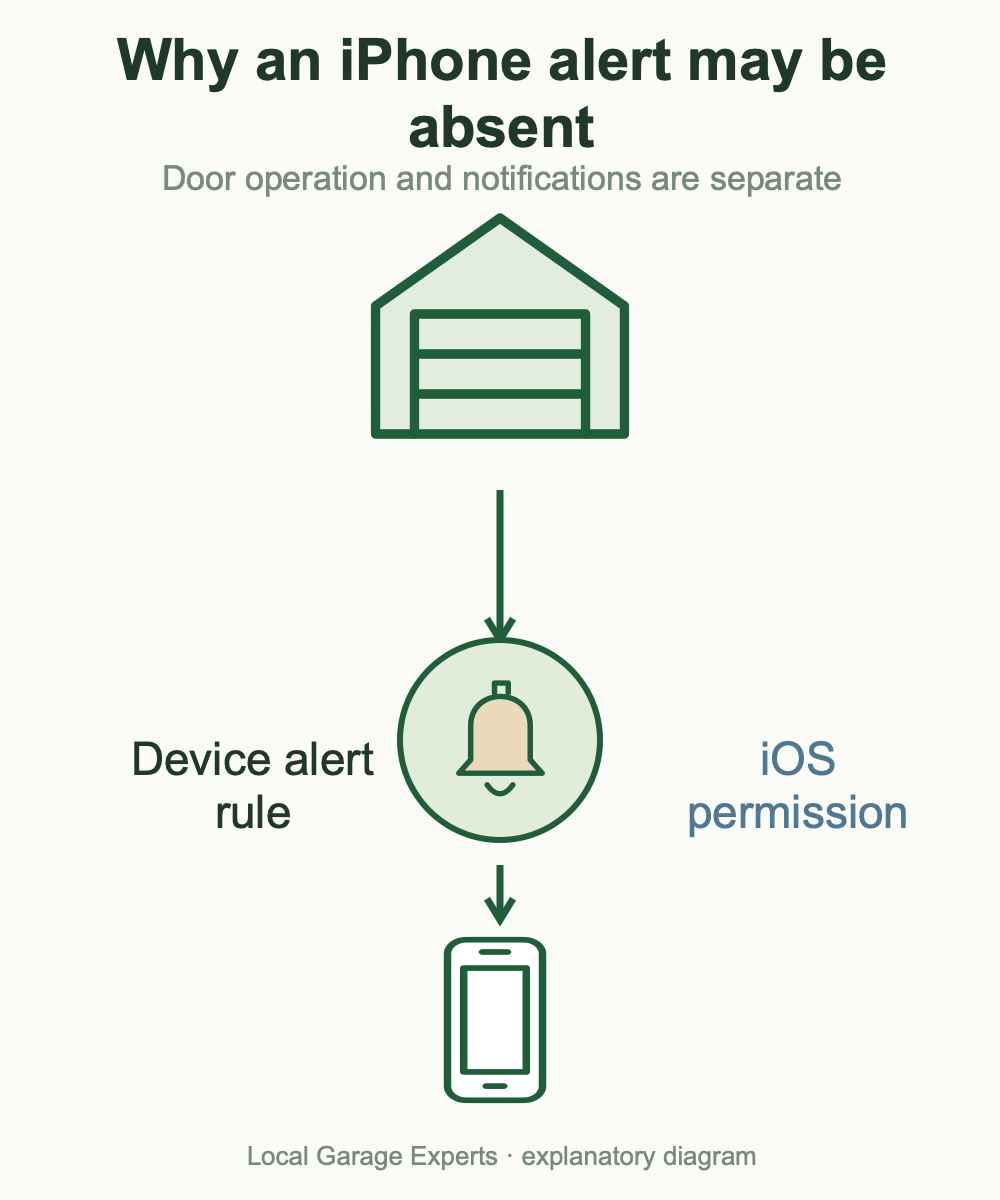
Diagram details
Confirm the intended door/camera and its event settings.
Confirm iOS permits notifications from the installed app.
Sources & verification
- Supported partners and platforms
- Current myQ vehicle directory
- HondaLink compatibility and account requirements
- AcuraLink service and setup requirements
- Mitsubishi eligibility, linking and wired Android requirement
- Apple Watch sync and missing-menu recovery
- Invitations and switching homes/accounts
- App loading and connectivity troubleshooting
- Push and email notification checks
- Camera live viewing and recording FAQ
- Home Bridge discontinuation and support dates
- Home Assistant integration removal
- Link residential openers with Community
- Community App Store listing and Siri scope
- Toyota HomeLink is a separate garage transmitter
Official sources checked November 4, 2026, for US readers. Product availability, app layouts and service terms can change. Compatibility conclusions distinguish documented support from features not established by the sources.
Google Play is a trademark of Google LLC. App Store is a service mark of Apple Inc.