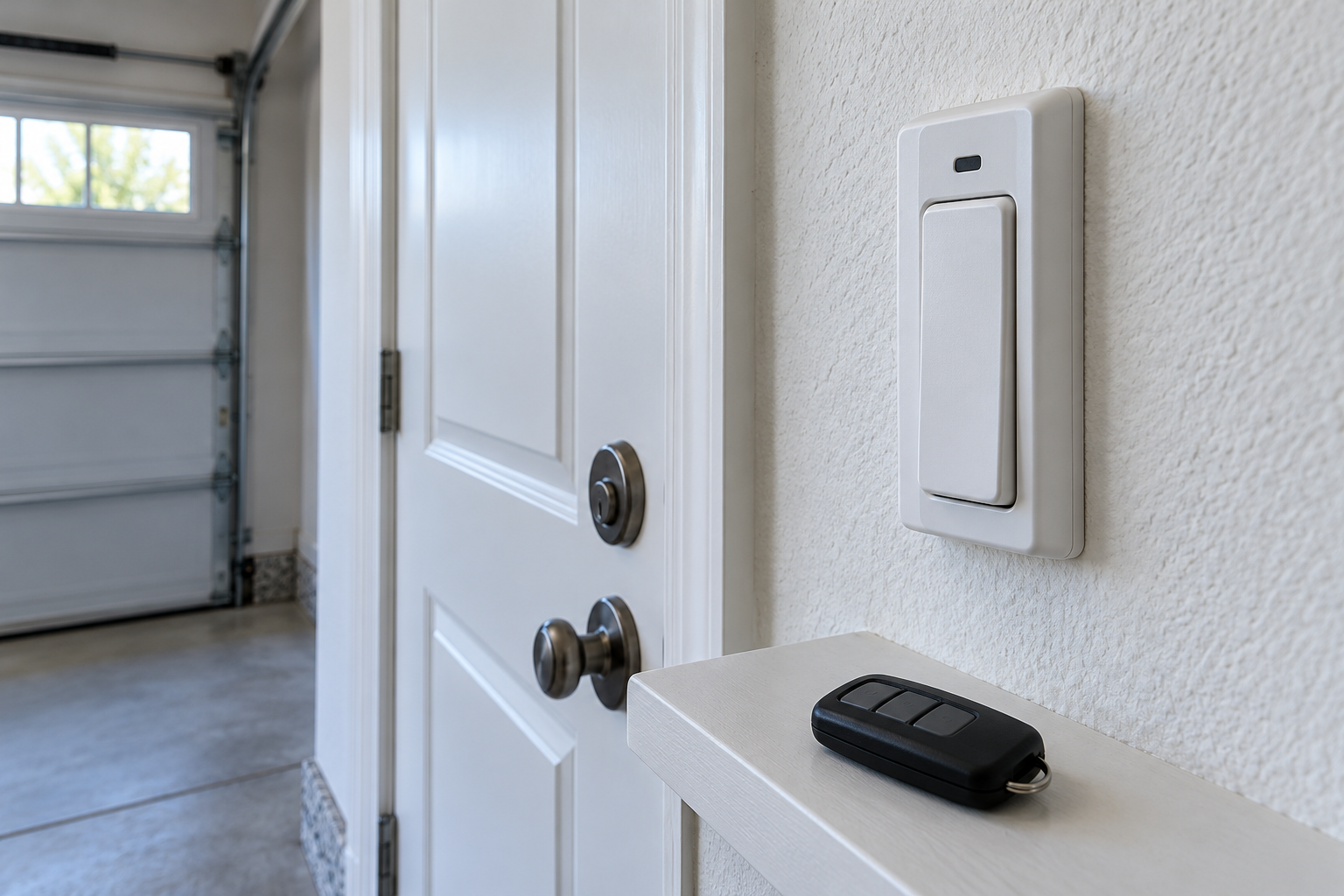
Identify the wall-control model and its power source before choosing a troubleshooting path.
A working remote with a failed wall control narrows the problem, but the control type matters. Identify wired versus wireless equipment and the exact opener family before changing parts or settings.
A LiftMaster wall control that will not operate the door while a handheld remote still works presents the inverse of the familiar “remote battery is dead” problem. Replacing the handheld battery is unlikely to explain a failed interior push bar. The useful distinction is whether the wall device is wired or wireless, whether it has power or a display, and whether it ever worked in this installation.
This guide keeps homeowner checks at the level of identification, normal user controls and visible observations. It explains what a technician will need to distinguish a damaged panel, a communication problem and incompatible equipment—without turning the article into a live-wiring or jumper-terminal tutorial.
Confirm the failure is limited to the wall control
If the door is safe to operate and the doorway is clear, establish what the known working remote actually does. Normal opening and closing is a stronger observation than a brief twitch, lamp flash or movement followed by reversal. If the door is crooked, jammed or making a new severe noise, stop operating it; the wall control is not the only issue needing attention.
At the wall control, distinguish the main door push bar from a light button, menu key or lock button. A light command that illuminates the garage is not intended to move the door. A newly installed control can be confusing when its buttons differ from the old one, so use its face labels and model instructions instead of holding every button until something changes.
Record the simplest description possible: “remote moves the door normally; wall push bar does nothing; screen is blank,” or “screen works and light button responds, but push bar does not.” These are hypothetical examples of useful reporting, not automatic diagnoses. They help separate complete loss of wall-control function from failure of one function while others remain active.
A wall-mounted control is not necessarily a wired control
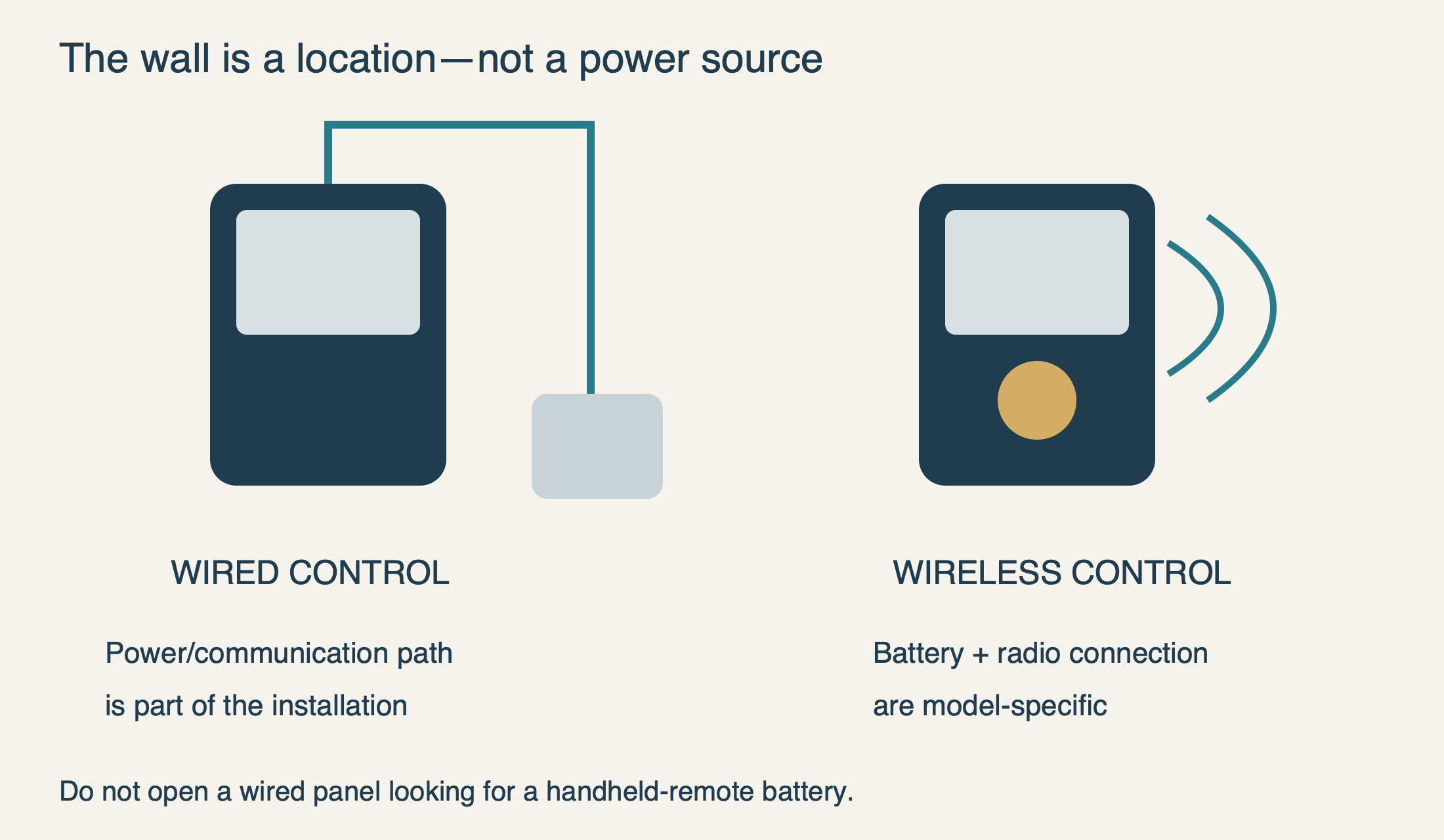
The word wall describes where the device is installed, not how it communicates or receives power. Some controls use a low-voltage connection to the opener; others are battery-powered transmitters mounted conveniently near an entry door. The absence of visible surface wiring does not settle the question because a wired installation can conceal its cable inside the wall.
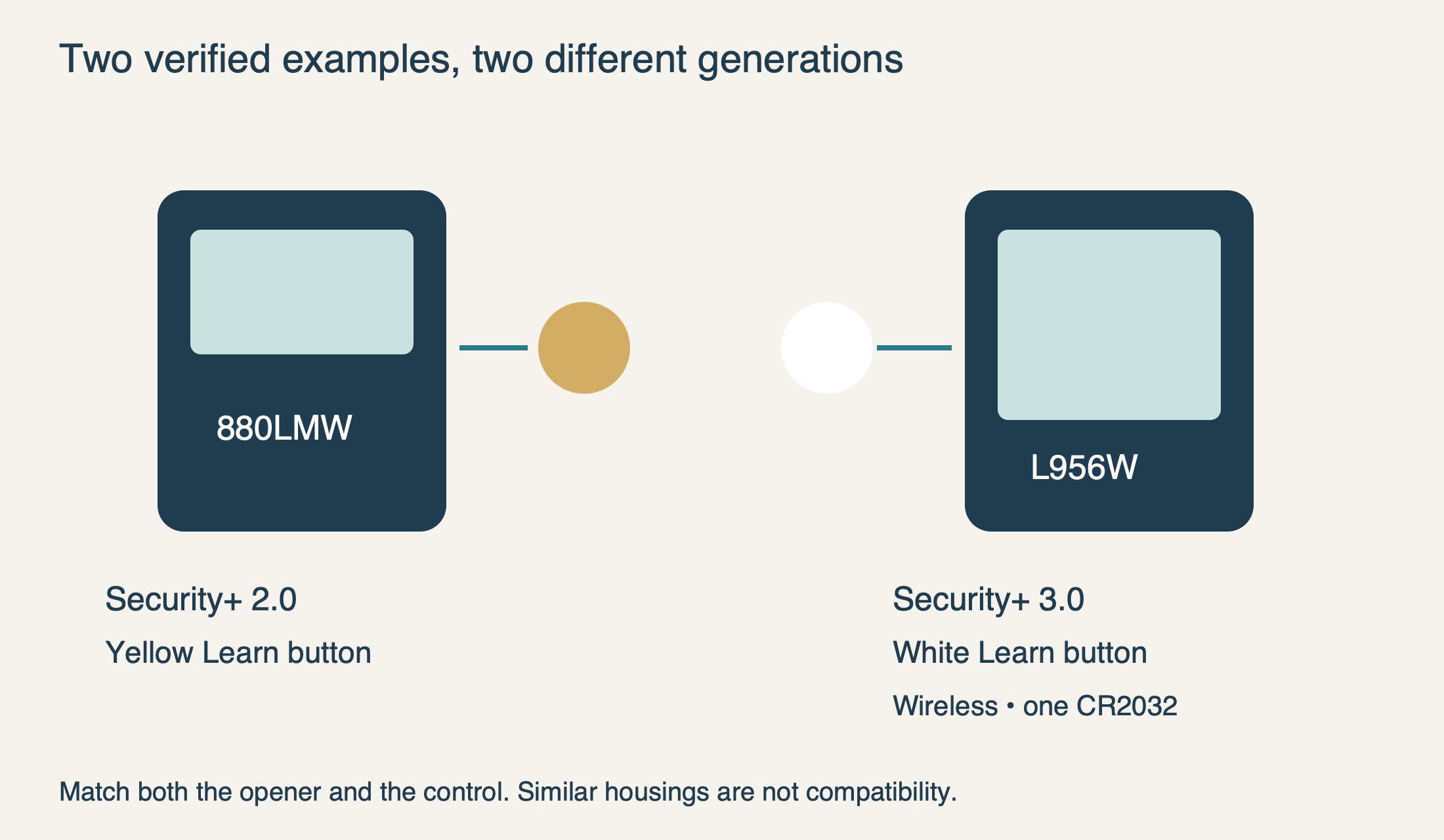
Use the actual model label, paperwork or manufacturer product page. As a current concrete example, the LiftMaster L956W is wireless and uses one CR2032 battery. Its product page limits compatibility to Security+3.0 openers, identified there with white Learn buttons. That battery specification is not a direction to search for a CR2032 inside every LiftMaster wall panel.
For a confirmed wireless model, the manufacturer’s battery and pairing instructions become relevant. Keep coin cells away from children, use the correct specified type and secure the compartment completely. For a wired control, a blank screen is not a reason to pry into the case looking for a replaceable household battery. If identifying the model requires disturbing wiring, leave that step to service.
 Select the diagram to view it at full size.
Read the display as evidence, not a verdict
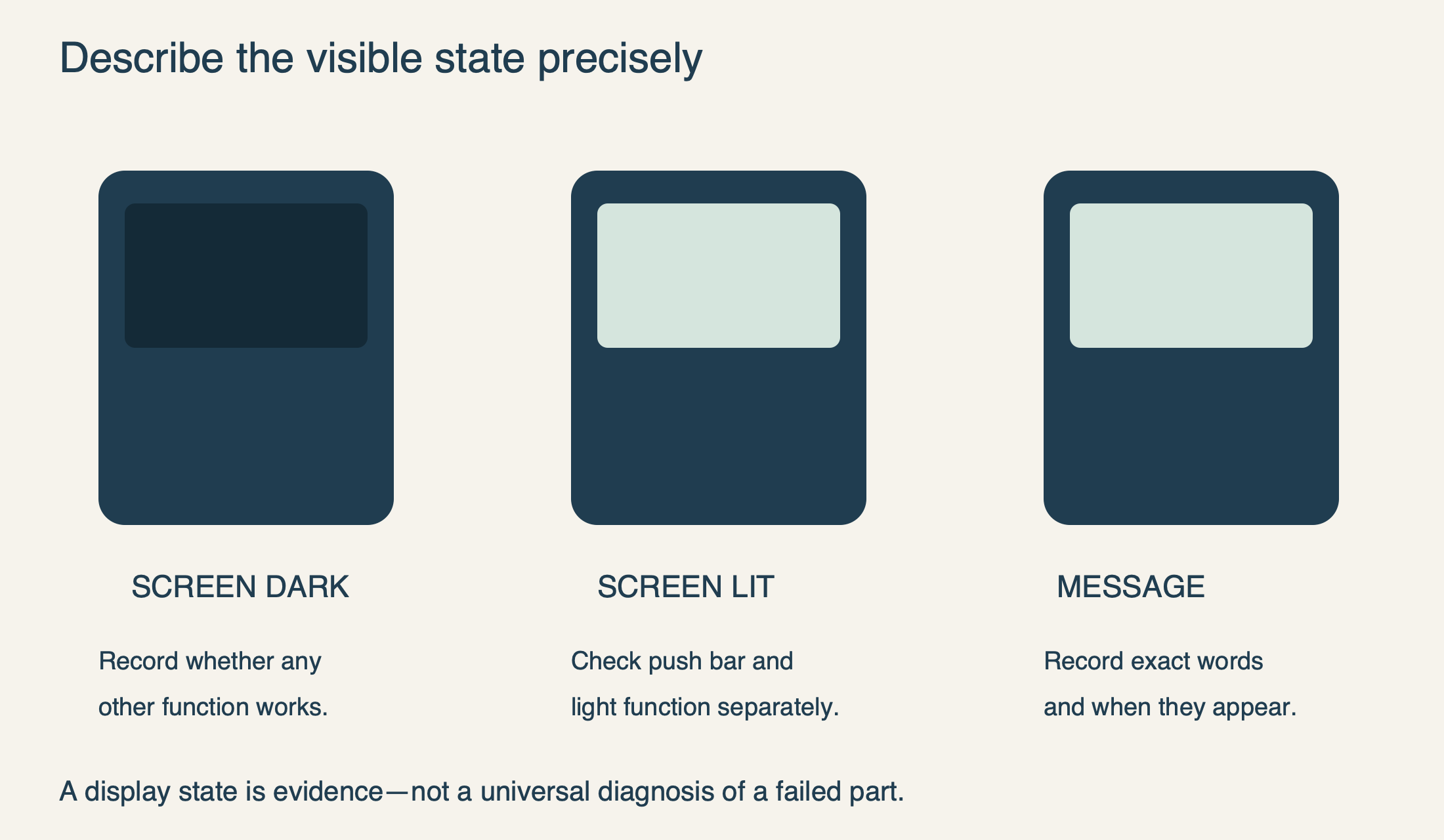
A dark display or indicator tells you what is visible, not which component has failed. The control itself, its power or communication path, and compatibility can all matter. Conversely, an illuminated screen does not establish that every button and connection is functioning correctly. Describe the whole pattern before ordering a part.
If there is a message, photograph it or write it down exactly. Include whether it appears continuously, only when the push bar is pressed, or only while the door moves from another control. Avoid translating a color or blink into a universal error number. The main opener lamp, wall-control indicator and motor-unit diagnostic arrows are different indicators with different purposes.
Electronic lock mode is usually discussed when handheld remotes stop working while local control remains available. It is therefore not a good automatic explanation for the opposite pattern. For example, the documented 8365W/882LMW lock feature blocks handheld operation while permitting wall control. Match any lock message to the actual system rather than assuming “locked” explains every failure.
 Select the diagram to view it at full size.
If this started after installation or replacement, check the match
A panel that has never worked deserves a compatibility check before it is declared defective. The official 880LMW support note describes that model as a serial encrypted control for Security+2.0 openers with a yellow Learn button. The L956W example above belongs to a different, Security+3.0 generation. A similar shape or matching brand does not bridge that distinction.
Chamberlain’s door-control troubleshooting guide also separates encrypted Security+2.0 controls from older control circuits. This is why an ordinary doorbell-button substitution or an online wire-touching test is not a universal diagnostic method. It can be irrelevant to the installed communication system and should not be attempted as a homeowner shortcut.
Some documented controls need an initial synchronization through normal push-bar operation. For example, the 8365W/8365W-267 manual says synchronization may take up to three presses in its described arrangement. That is a model-scoped initialization detail, not permission to keep pressing an unresponsive control indefinitely. If a new installation does not behave as its instructions describe, ask the installer to verify the exact control and setup.
If a replacement was fitted immediately before the problem, retain both model numbers and the installation paperwork. Tell the technician whether the old panel failed completely or was replaced only to add a feature. That history helps distinguish an original fault from a mismatch introduced during an upgrade.
 Select the diagram to view it at full size.
After a power interruption, preserve the clues
If the handheld remote again moves the door normally after an outage but the wall panel remains unresponsive, the opener is not simply without all power. Note whether the panel is blank, restarting, displaying a message or partially functional. The timing may be relevant, but it does not prove that a surge destroyed a particular board.
Do not clear all remotes or reset connected accounts merely to address the wall panel. Those changes can remove working access without restoring a control connection. Follow a restart or synchronization step only when the instructions for that exact control call for it; do not invent a power-off duration or button combination from another model.
Keep essential electrical functions in mind. There is no need to shut down the whole house or unplug unrelated safety equipment to describe a wall-only failure. If the problem involves a tripping circuit, damaged receptacle, heat or a burning smell, stop and obtain qualified electrical help rather than repeatedly restoring power.
What the technician needs to check beyond the faceplate
A complete assessment may involve the control, its communication path, connections and opener electronics. The useful homeowner contribution is not to expose those parts but to preserve evidence: exact models, which functions still work, when the failure began, and whether wiring or installation work occurred recently. Photographs of visible damage can help without removing covers or touching terminals.
Installation details also matter. The 8365W manual specifies a wall control within sight of the door and at least five feet above the adjacent walking surface, away from moving parts and small children. This is a safety requirement for that documented installation, not a reason to relocate a control yourself as a troubleshooting experiment. Ask the service provider to review the installed position if it is questionable.
After repair, verify normal operation from both the wall control and the authorized remote, with the doorway visible and clear. Confirm that the functions you actually use—such as the light button or display—also behave as expected. Do not accept a workaround that bypasses safety sensors or leaves exposed wiring accessible.
For a persistent LiftMaster wall-control fault, our garage door opener repair service can assess the equipment and compatible replacement options. Calls are answered daily, 6 a.m.–11 p.m., at (323) 924-8777. The goal is to restore a dependable interior control while keeping the already-working access and door safety intact.
Sources & manuals
Model-specific details are identified above.