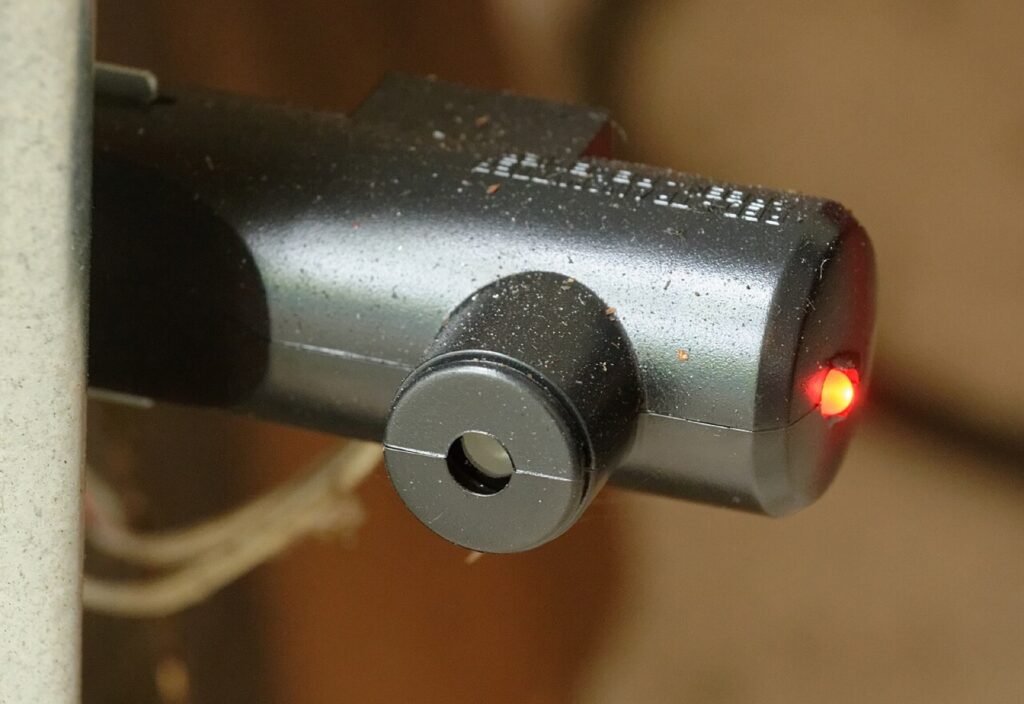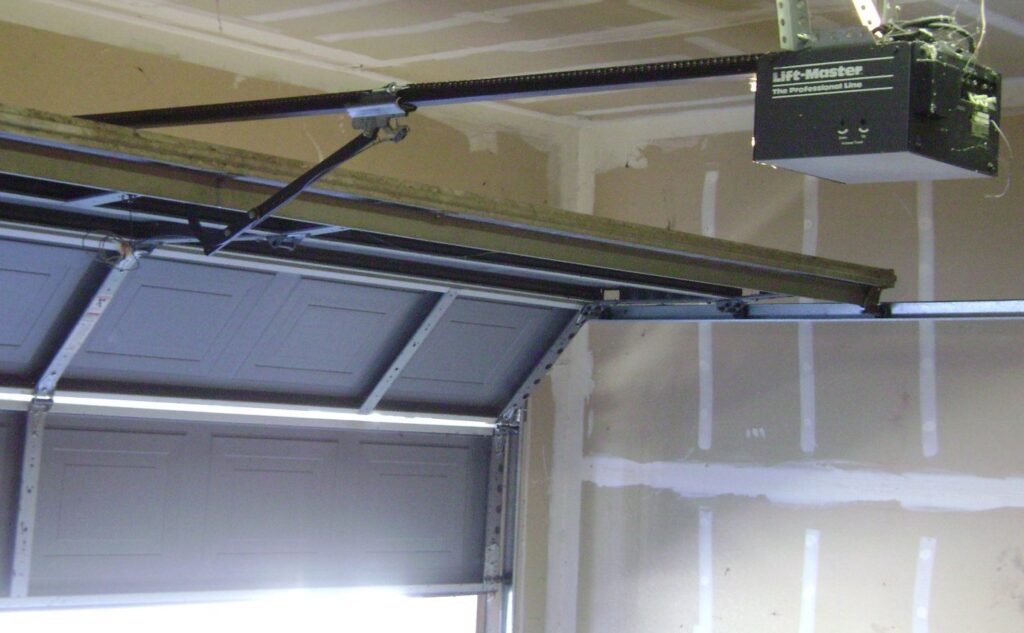
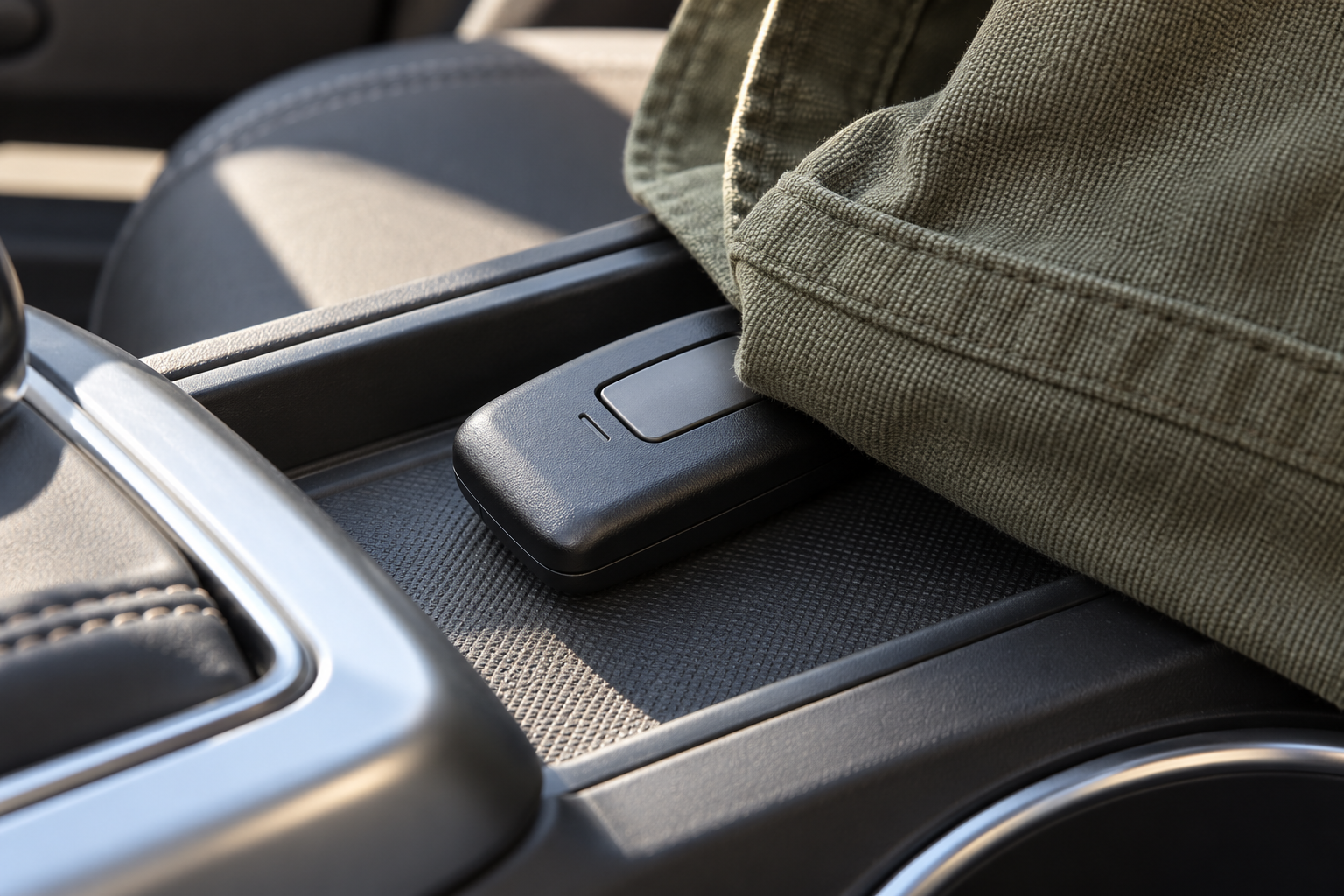
A pressed or trapped control can send an unintended command; record the circumstances before resetting devices.
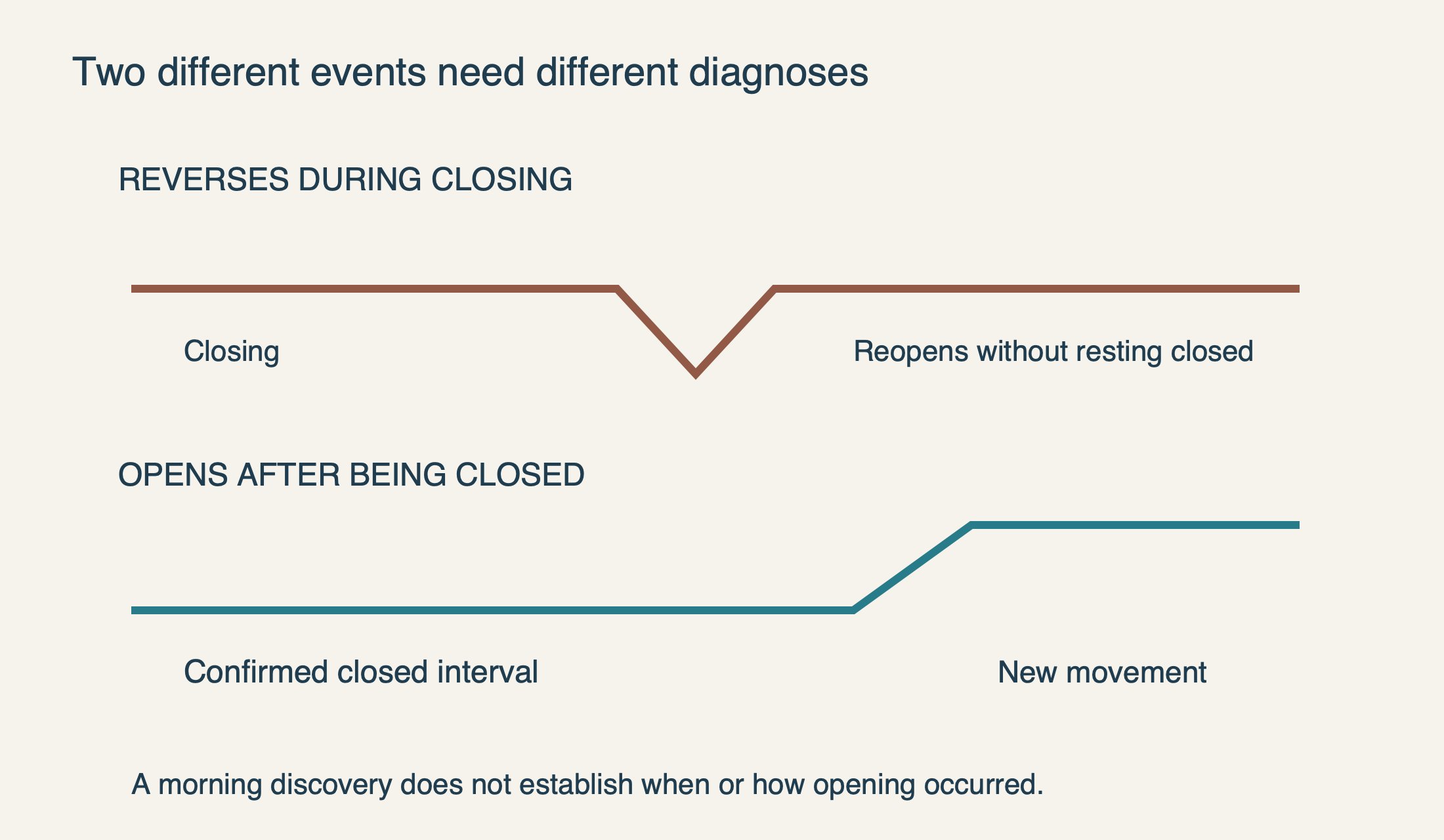
Record whether the door reversed while closing or opened after remaining shut. Review local controls, paired accessories and connected access separately rather than assuming an unexplained opening has one cause.
Did it reopen during closing, or start opening from rest?
A door that travels downward and immediately reverses may be reacting to an obstruction, resistance or a safety-system condition. That is not the same observation as a door that was fully closed for an hour and then began opening without anyone intentionally operating it. The distinction changes which part of the system should be investigated.
Watch only from a safe position and do not repeatedly cycle a troubled door to reproduce the event. If an existing camera recording is available, review whether the door ever reached the floor and remained there. A phone notification saying “open” does not, by itself, establish the complete movement sequence that preceded it.
For a reversal, use the closing-fault guide. Stop if there are loose cables, an uneven door or unusual mechanical noise. Do not increase force to suppress reversal, and do not treat a safety response as an unauthorized-access problem merely because you did not expect the door to move upward.
 Select the diagram to view it at full size.
Record the event before resetting anything
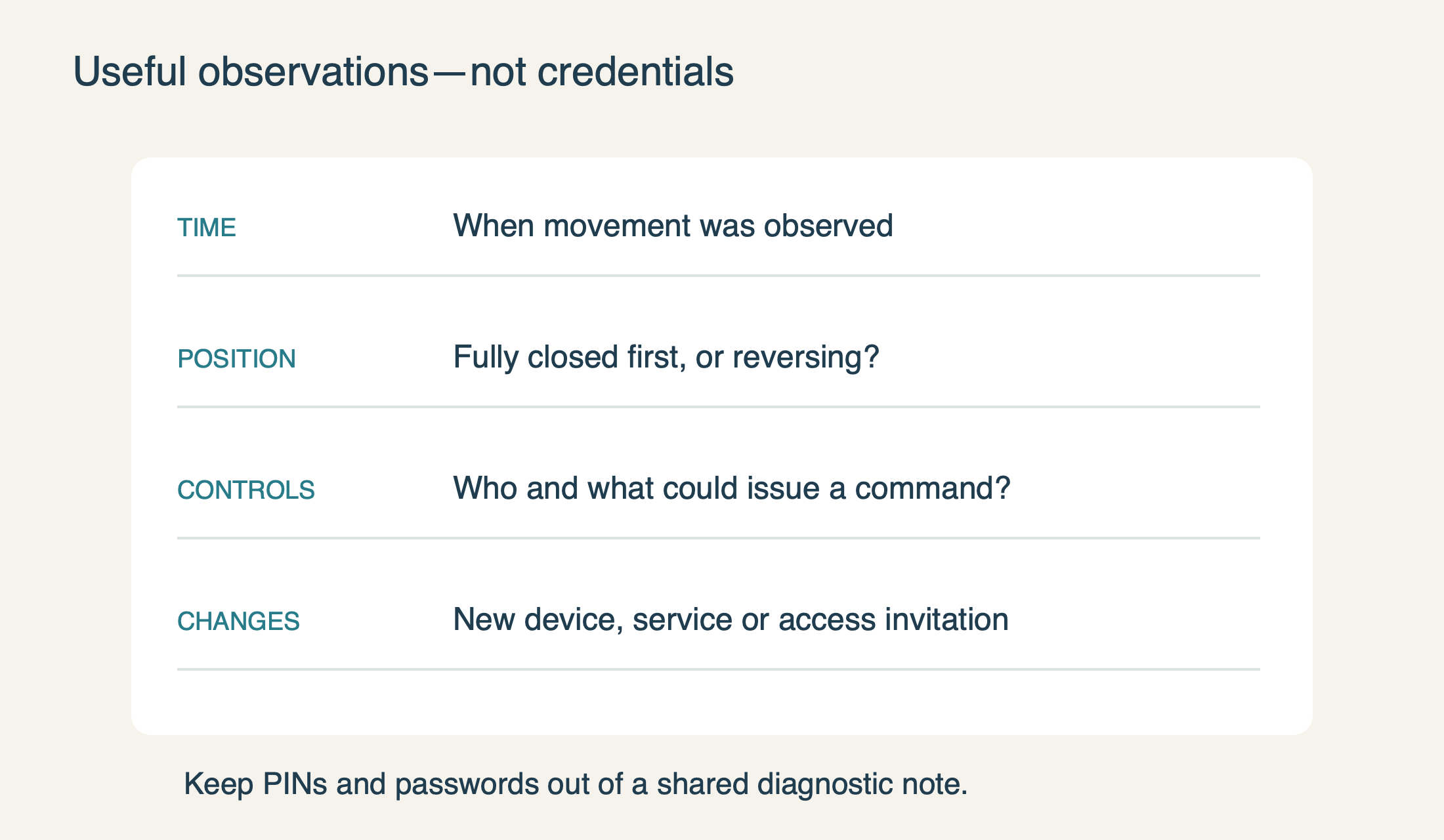
Note the time, the door’s starting position, whether the motor ran, and who had access to controls at that moment. Include recent changes such as a new remote, replacement wall panel, battery change, opener service or a newly invited app user. If the garage door opens by itself in the middle of the night, record the actual event time rather than only the time you discovered it open.
An event discovered in the morning could have occurred during an earlier closing attempt. That possibility does not make the concern less important; it simply prevents a false conclusion about overnight activation. Separate what you witnessed from what you inferred, especially when giving the history to a technician.
Do not clear all memory or delete app records before saving the useful observations. A reset can remove the evidence of which accessories were present while also leaving legitimate users unable to enter. The goal is a short, factual record, not a long speculative list of possible culprits.
 Select the diagram to view it at full size.
Look for accidental pressure on local controls
Collect the household’s known handheld remotes and inspect them without pressing buttons unnecessarily. A remote in a drawer, pocket, console or bag may have something resting against its button. Check for a button that remains visibly depressed, a damaged case or a sticky feel. Move stored controls where nothing can press them and keep them away from children.
Chamberlain’s unexpected-activation guide identifies a stuck remote button as a possible source. If a particular remote is suspect and another authorized entry method is available, its battery can be removed through the normal user-accessible compartment as the manufacturer directs. Keep small batteries secure; do not leave them loose around children or metal objects.
Change one condition at a time and record it. If several remotes are altered and the opener is reset in the same session, it becomes harder to know what changed the behavior. Conversely, a brief quiet period after moving a remote does not prove the fault is permanently resolved. Intermittent behavior needs follow-through and, when safety or security is uncertain, professional assessment.
Also inspect the wall control externally. A stuck push bar, visible impact damage or a problem that began after work on the wall is relevant. Do not remove it from the wall or disconnect its terminals to conduct an informal multi-day experiment. The control circuit should be assessed using the correct model-specific procedure.
Review who and what is authorized to operate the door
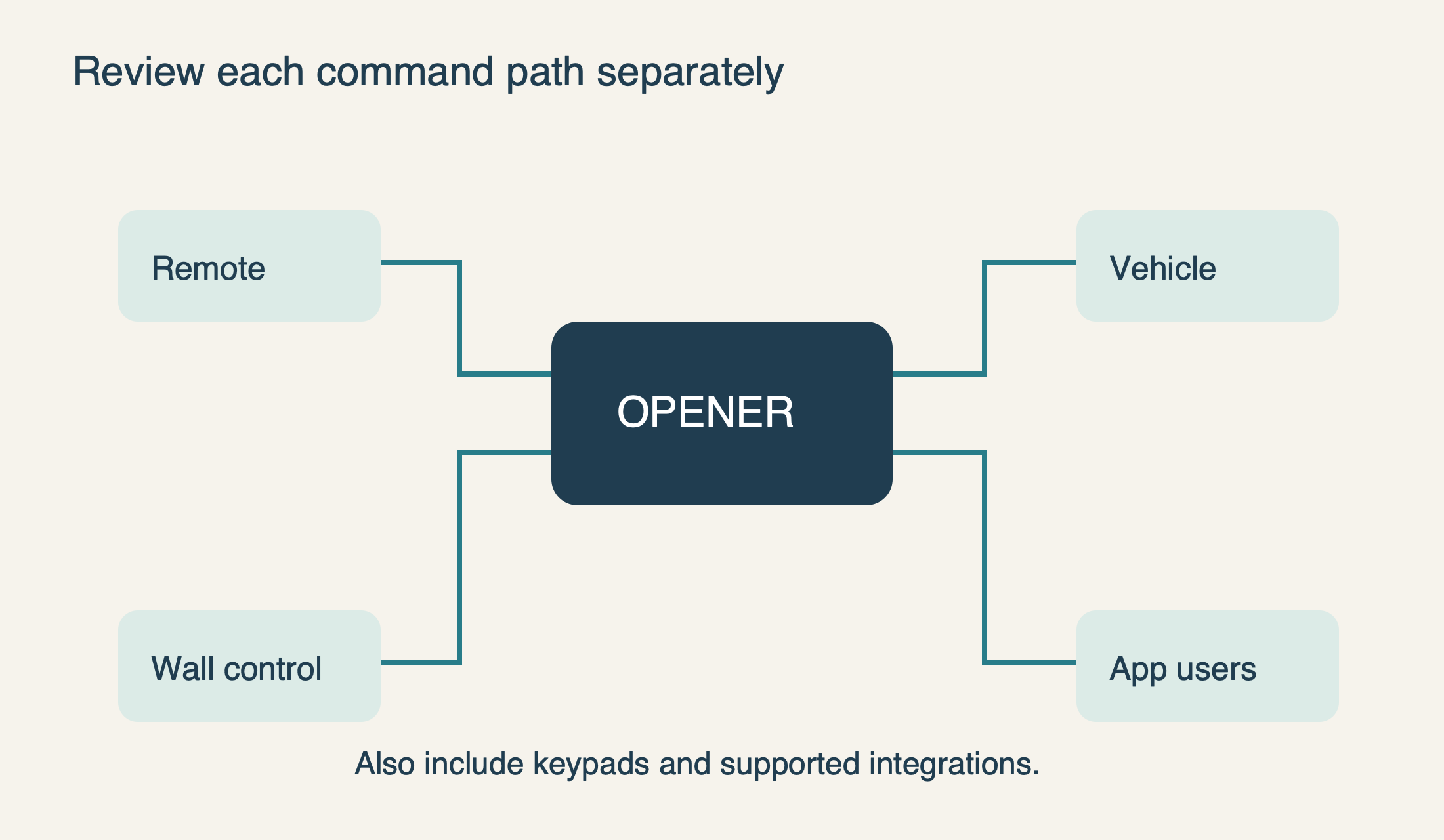
List all normal command paths: remotes, exterior keypad, vehicle buttons, wall controls, app users and any supported integration. Ask household members whether a command was intentional or accidental. A phone left with another family member or an old remote stored in a second vehicle may explain an event without any outside interference.
On supported Security+ 2.0 installations, Chamberlain says a programmed-accessory count may be available through the Smart Control Panel service menu or myQ diagnostics. That count can help identify an unexpected change, but it is not a list of the people holding each remote. Do not interpret a number alone as proof that an intruder paired a device.
For connected access, the authorized owner should review the current users and their permissions. myQ supports individual invitations rather than shared owner credentials, and its current role definitions do not give Household Users access to history. A person’s inability to see an event log may therefore reflect their role rather than a missing event.
Remove access that is no longer appropriate through the supported management process. Keep account recovery details current and use the platform’s required security measures. myQ now requires two-step verification, but neither that feature nor a clean-looking history proves that every possible local command has been explained.
 Select the diagram to view it at full size.
Avoid the two common leaps: “hacked” and “just interference”
A door opening unexpectedly is not enough evidence to identify an account compromise. Equally, it should not be dismissed as harmless radio noise. The manufacturer lists accidentally enrolled remotes and control faults among possible causes; the actual evidence must determine which path deserves investigation.
A radio-range problem is also different from a valid opening command. Reduced reception often makes a control fail to operate, while unexpected activation requires explaining why the opener acted. Do not buy an interference filter or replace every LED bulb simply because those topics appear in general opener troubleshooting articles.
If you find specific evidence of unauthorized account use, use the official account-recovery and access-management channels and secure the affected account. If you find a lost or unknown remote in the access history of the property, arrange an authorized receiver-memory review. Keep those actions distinct so that changing an app password is not mistaken for revoking every handheld remote.
A planned reset has a purpose and a recovery plan
Erasing accessory memory can be appropriate when unknown or unintended remotes may be enrolled, but the process must match the opener. It can also require all legitimate remotes and keypads to be programmed again. Before starting, identify the exact model, maintain another authorized entry route and gather the devices that need restoration.
The 8500W manual, for example, separates remote/keypad memory, Wi-Fi settings and broader memory actions. There is no safe universal promise that “hold Learn for a few seconds” means the same reset on every model. Follow the intended procedure, not a progressively longer button hold when the first attempt does not behave as expected.
Resetting is not a substitute for correcting a faulty wall control or unsafe movement. If a door continues to activate unexpectedly after a properly planned access review, that history is useful evidence for service. Repeatedly clearing and rebuilding the system without isolating the cause wastes time and can create new access confusion.
Manage the immediate risk without improvising a lockout
If the door is closed and you are concerned about another unintended movement, obtain model-specific guidance for taking the opener out of service while preserving safe access. A fitted backup battery means unplugging AC alone may not disable the motor. Do not assume the system is isolated because one cord is out of the outlet.
If the door is open, uneven, jammed or mechanically suspect, keep clear and call for service. Do not release it from the opener or attempt to hold it down with a lock while it can receive commands. Those actions can introduce a falling-door hazard or damage the drive and door.
For an opener assessment, provide the factual event record, equipment models, known command paths and any controlled change already made. Leave PINs and passwords out of the report. The useful endpoint is an explained cause and verified normal operation—not simply one quiet night after a speculative reset.
Sources & manuals
Model-specific details are identified above.