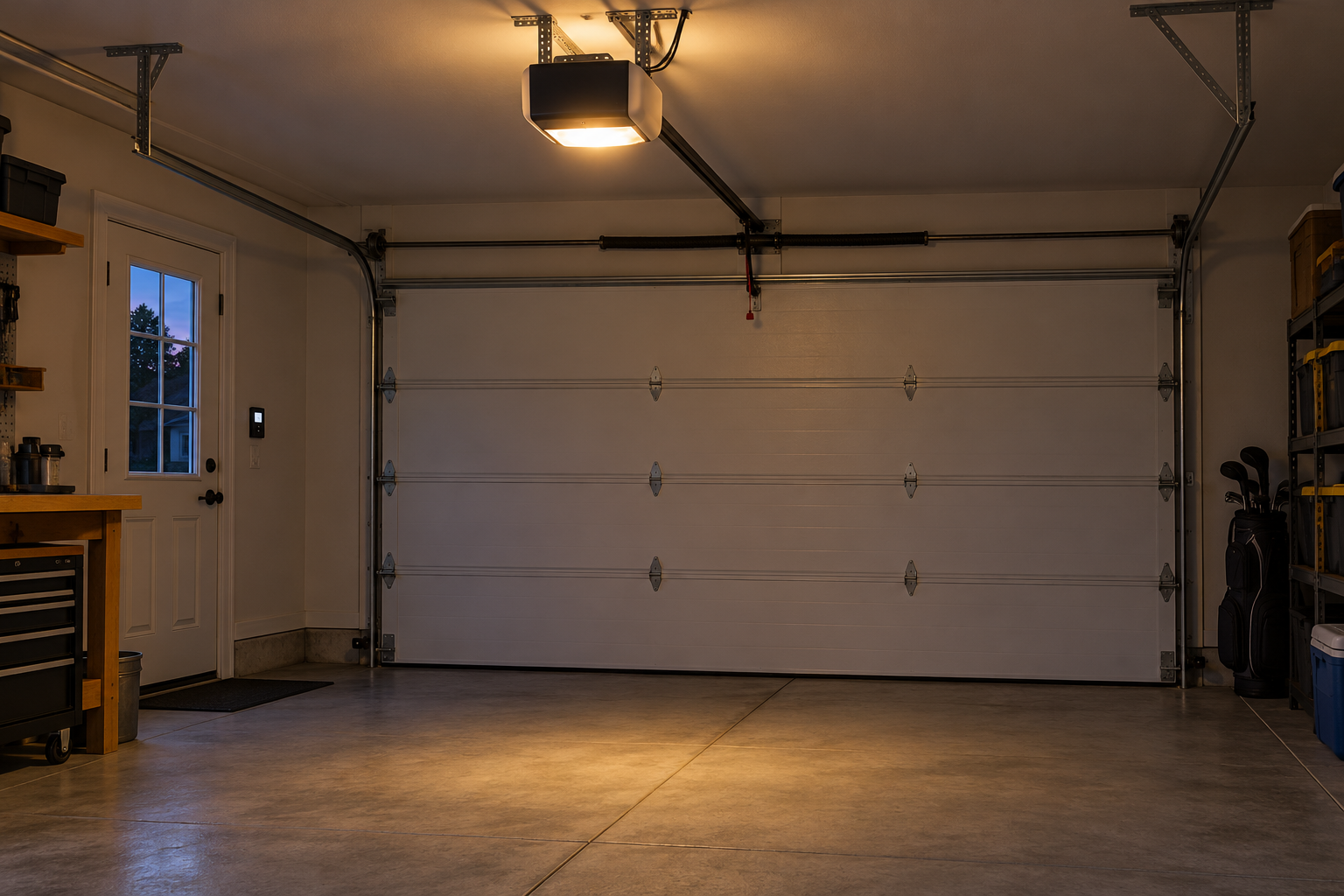
Lighting behavior depends on the opener model and its supported settings.
Check manual lighting, motion detection and the model’s timer before assuming a fault. Convenience lighting is separate from the door’s safety sensors and operating condition.
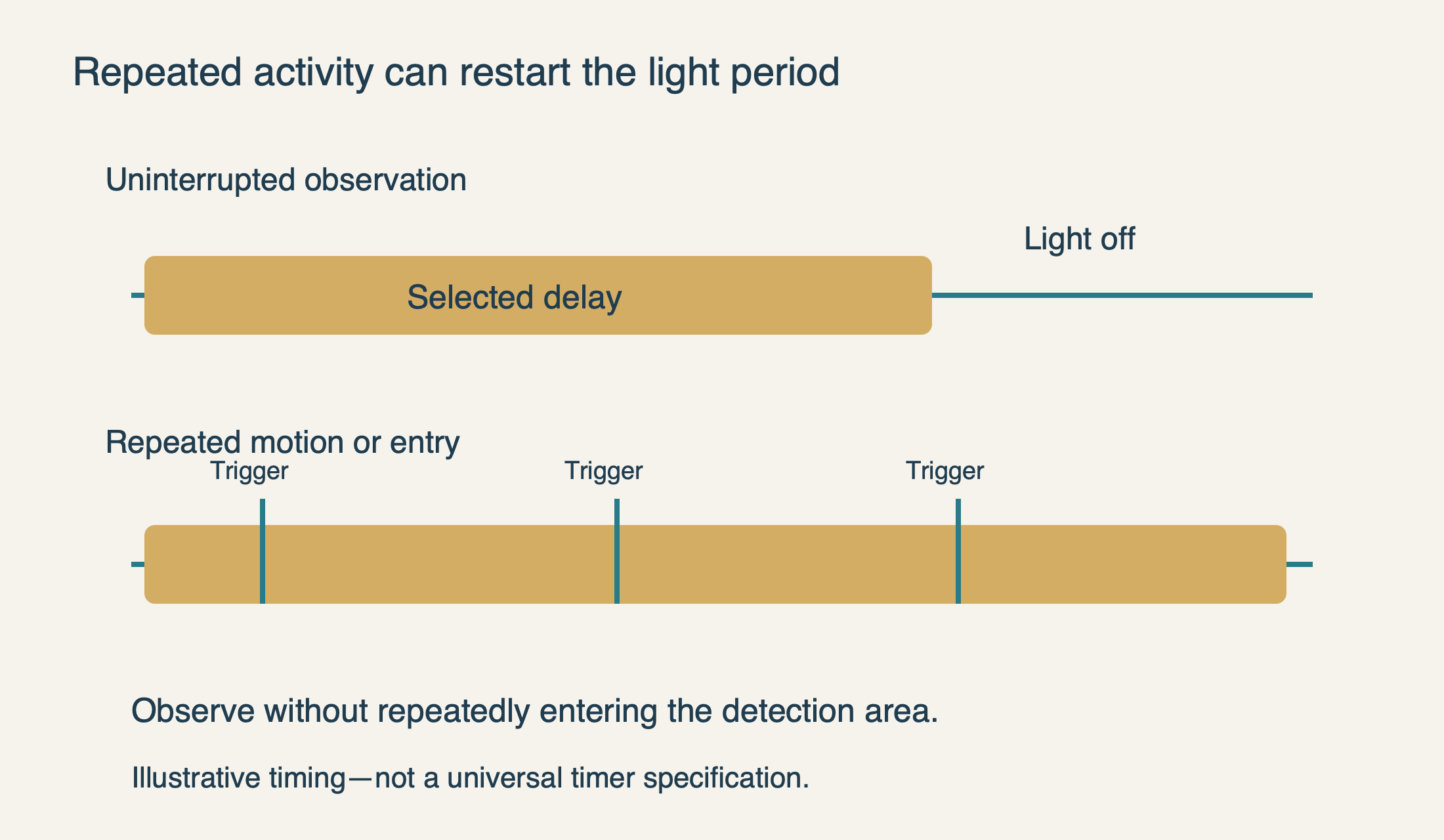
If a garage door opener light stays on, first ask whether it never turns off or keeps being turned on again. A manual light command, a motion-detecting wall panel or an older entry-light feature can all make normal behavior look like a stuck relay. Repeatedly walking into the garage to inspect the lamp may itself restart the lighting period.
Identify which light is staying on
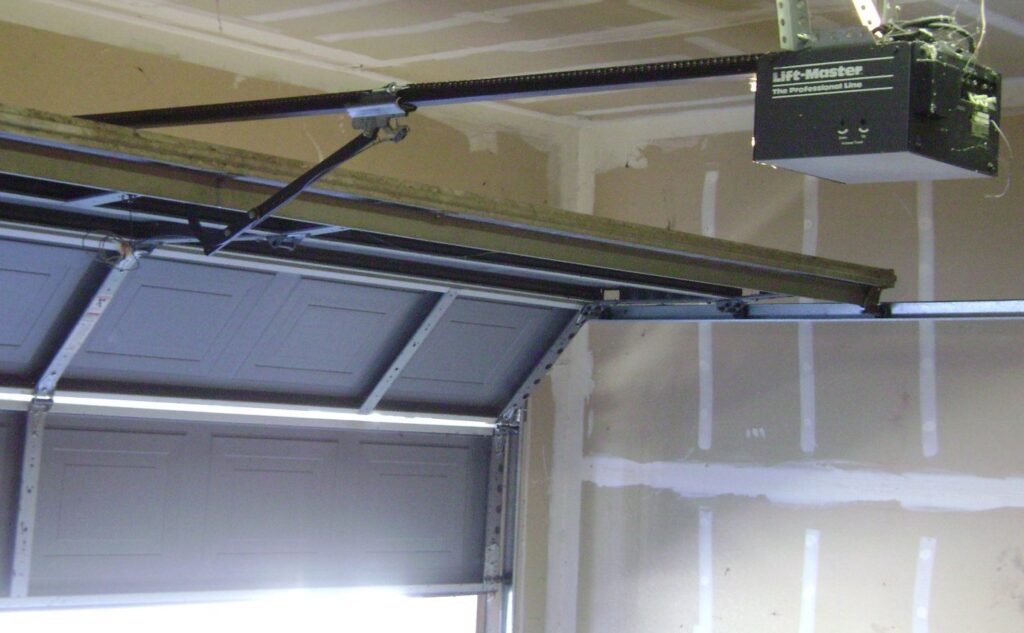
The large courtesy light on a ceiling opener is different from a small status LED, a wall-panel backlight or a separate plug-in work light. A steady network LED may be normal even when the main lamp should be off. Start with the actual light’s location and the complete opener model; otherwise it is easy to apply the wrong timer instructions.
Also distinguish steady illumination from a repeating flash pattern. A lamp flashing during a refused closing command may be providing a diagnostic indication. If the door will not close or moves abnormally, address that behavior through the door-not-closing guide rather than trying to suppress the light.
Check for a deliberate manual light command
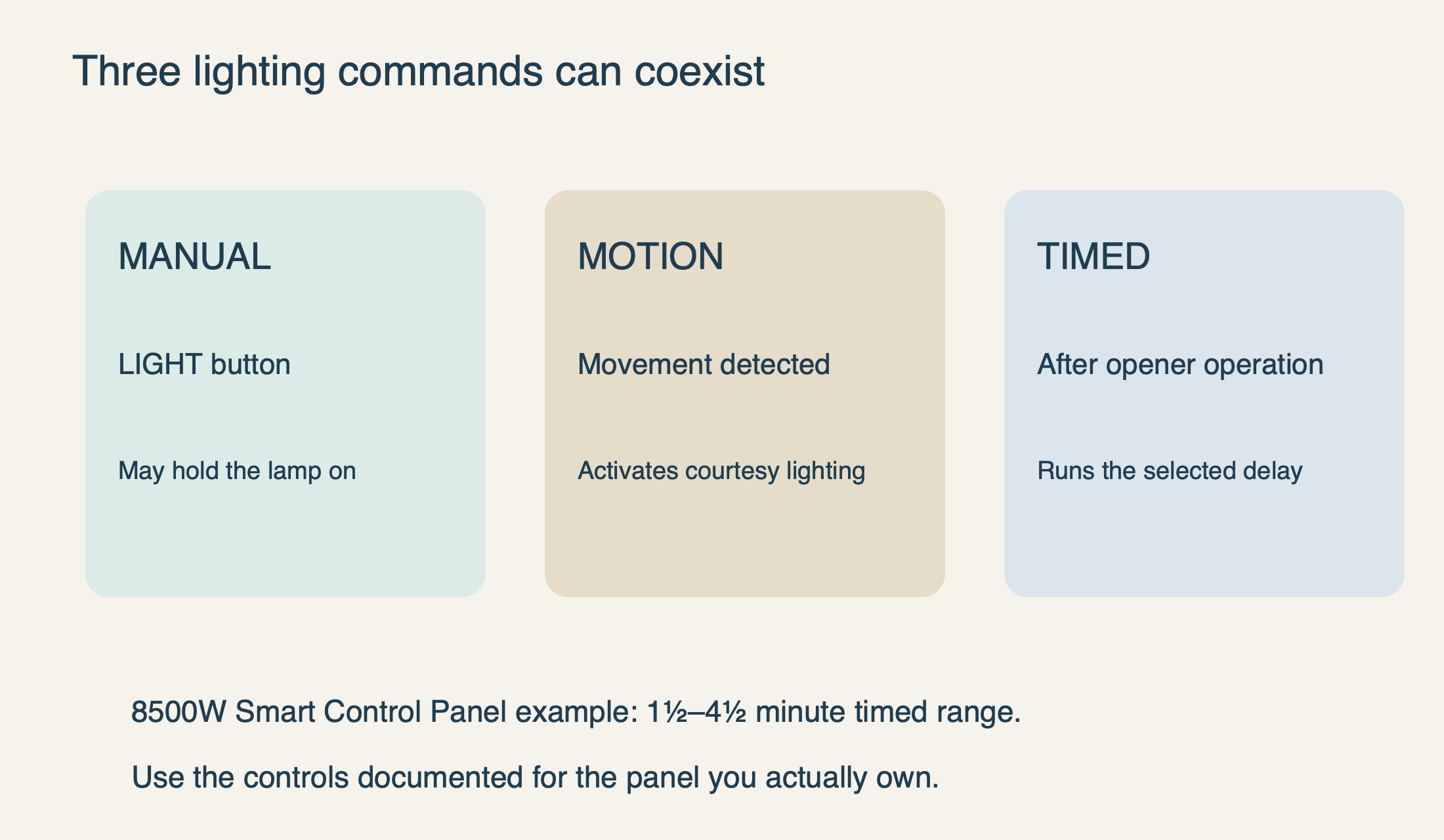
On a supported multi-function wall control, the LIGHT button can operate the courtesy light independently of the door button. Someone may have turned it on to unload groceries or work in the garage and expected the normal post-operation timer to turn it off. Use the labeled LIGHT control—not the door push bar—to check the manual command.
For the 8500W’s documented Smart Control Panel, the manual explains that pressing LIGHT turns the lights on or off, and manually turned-on lights remain on until LIGHT is pressed again or the opener is activated. That is an intentional override, not proof of a failed timer. The model’s normal factory delay after operation is 4½ minutes.
Wait until the door is stationary before assessing the LIGHT button. Chamberlain’s timing guide notes that the light button does not control the lamps while the door is moving. A button that appears unresponsive during travel should not immediately be condemned as a defective wall panel.
Keep the test narrow: one deliberate light command and an observation. Do not hold LOCK, LEARN or adjustment buttons experimentally. Depending on the control and duration, those buttons can change settings unrelated to the lamp. If the label is worn or the panel model is unknown, identify it before using a button sequence.
 Select the diagram to view it at full size.
Give the timer an uninterrupted chance to finish
When the light comes on after normal opener operation, note the time and stop issuing commands. Remain somewhere safe that does not repeatedly trigger the motion sensor. Do not stand beneath the moving door or walk through the opening to watch the lamp. The observation is useful only if you know what happened during the interval.
The 8500W Smart Control Panel example offers a post-operation light duration from 1½ to 4½ minutes. Its documented menu route uses the panel’s navigation buttons to reach LIGHT SETTINGS. The current Chamberlain support guide describes the same range for supported Smart Control Panels. These are real parameter examples, not a promise that every opener uses that timer.
If your control has the matching menu, record the current setting before changing it. Choose a shorter available duration only if it suits the household, then observe again without other triggers. On a different panel, use that panel’s documented method rather than borrowing a long button-hold sequence from an unrelated model.
The distinction to record is whether the light turns off after a clean interval. If it does, the timer can work; later illumination probably follows another trigger. If it remains on after the documented interval with manual override cleared and no known trigger, the evidence for a control or electrical fault becomes stronger.
 Select the diagram to view it at full size.
Motion sensing can make a healthy timer look continuous
Some wall controls include a motion sensor that activates the opener’s light. A person unloading a vehicle, moving around a workbench or repeatedly returning to inspect the problem can keep the garage illuminated. The feature belongs to the wall-control arrangement, so record the panel model rather than assuming every opener of the same brand has motion detection.
Where the manual provides a motion-light setting, you can temporarily turn that convenience feature off through the normal menu to make a comparison. Record the original setting and restore it if the household relies on automatic illumination. This is a user preference, not an instruction to disconnect the panel or cover unrelated sensors.
If the lamp behaves normally with motion lighting disabled, consider whether the original behavior actually needs repair. You may prefer a different timer or separate work lighting. An opener’s courtesy lamp should not be your only dependable task light if it can time out while you are working beyond the sensor’s detection area.
Older entry-light behavior is not the closing safety system
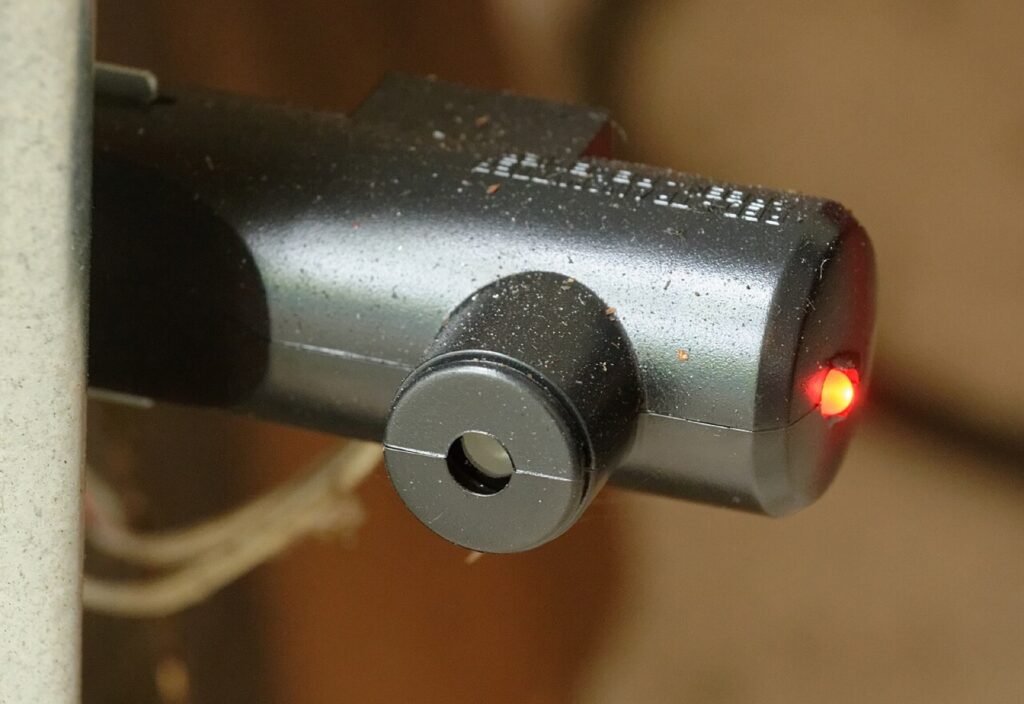
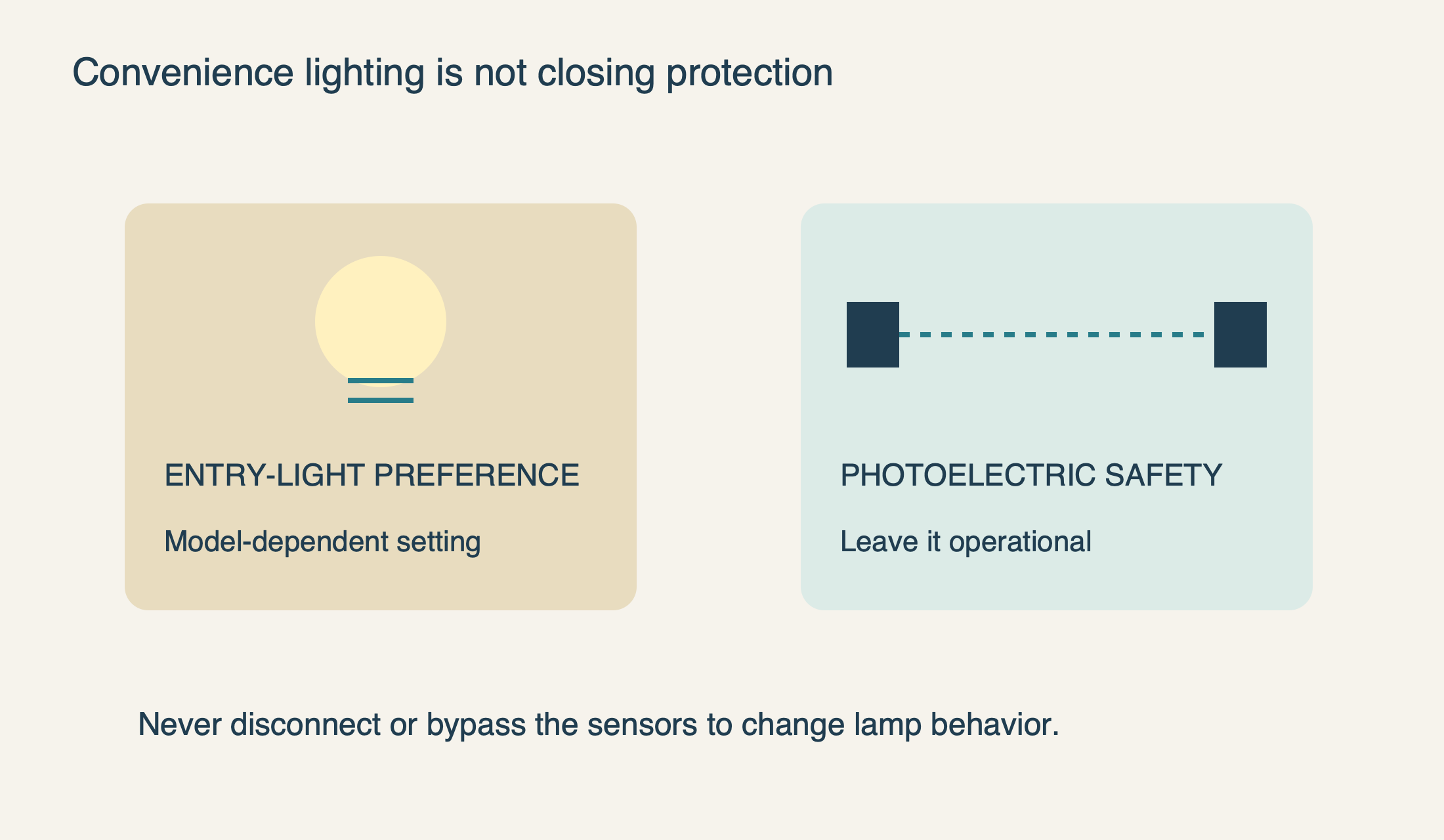
Some older Chamberlain/LiftMaster arrangements turn the courtesy lights on when the door is open and the photoelectric beam is crossed. Repeated entry can therefore keep restarting illumination. Chamberlain’s support page says openers manufactured after February 2022 no longer include that safety-light convenience feature; do not assume a newer unit should reproduce an older opener’s behavior.
This distinction is important: the convenience function that turns on a lamp is separate from the safety function that prevents unsafe closing. Adjusting a documented entry-light preference does not authorize moving, disconnecting or bypassing the photoelectric sensors. Leave the closing protection operational.
If a light starts behaving differently after replacement of the opener or control electronics, compare the actual model’s features rather than forcing it to match the previous unit. A change in convenience lighting can be normal even though a failure of the door’s protection would not be. Ask the installer to explain the new control behavior if the documentation is unclear.
 Select the diagram to view it at full size.
When the problem is no longer a settings question
Arrange service if the lamp remains continuously on after the documented user settings have been checked, if the LIGHT button does not respond with the door stationary, or if other wall-control functions are unreliable. Give the technician the opener and panel models, the timer setting and what happened during the uninterrupted observation.
A technician may need to distinguish the wall control, its circuit and the opener’s switching electronics. That does not mean the homeowner should disconnect terminals or use short test wires. Modern control systems are not all simple interchangeable switches, and internal components can remain hazardous even when a familiar plug has been removed.
If there is a hot or discolored socket, burning smell, damaged wiring or unusual heat, stop ordinary testing and obtain appropriate electrical or opener service. Do not fit a higher-wattage bulb, bend socket contacts or leave suspect equipment running merely because the door still moves. If the actual problem is a lamp that never turns on, use our light-not-working guide instead.
The useful outcome is a light that behaves as the household expects without compromising access or safety. Our opener repair service can assess a persistent fault, but identifying a manual override or a repeating motion trigger may save an unnecessary parts replacement.
Sources & manuals
Model-specific details are identified above.